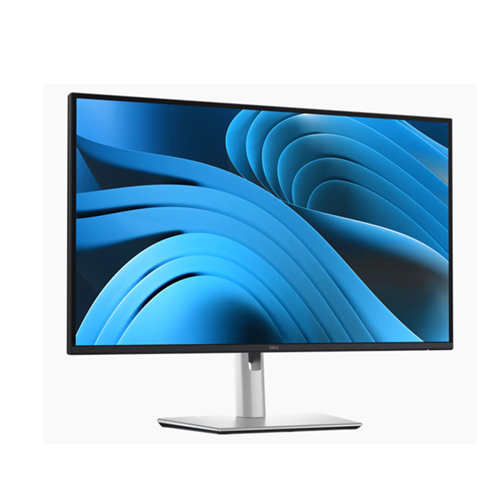
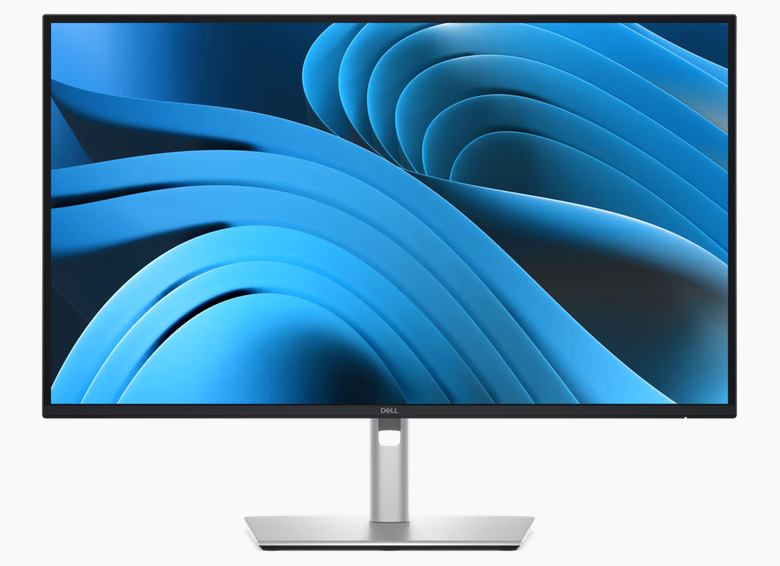
Dell Pro 27 Plus Monitor 27″ WQHD IPS 100Hz 350nits, 3Yr – P2725DE
- Display Size : 27″
- Screen Resolution : WQHD IPS 350nits
- Screen : Non-Touch
- Warranty : 3-Years
PN: P2725DE

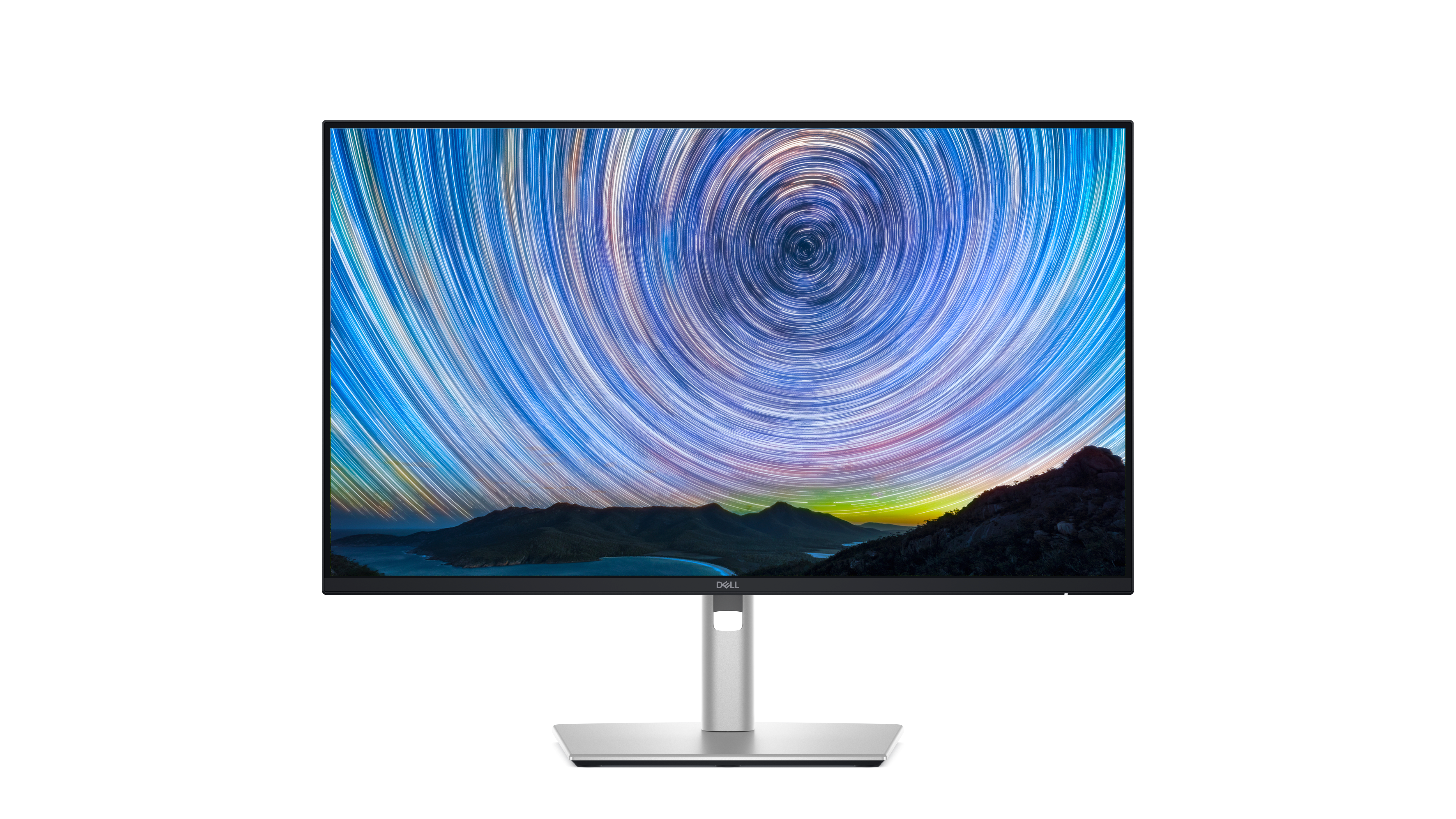
Stay productive with this 68.58 cm (27-inch) QHD monitor featuring extensive connectivity, and certified by TÜV for 4 star eye comfort.
Ports & Slots

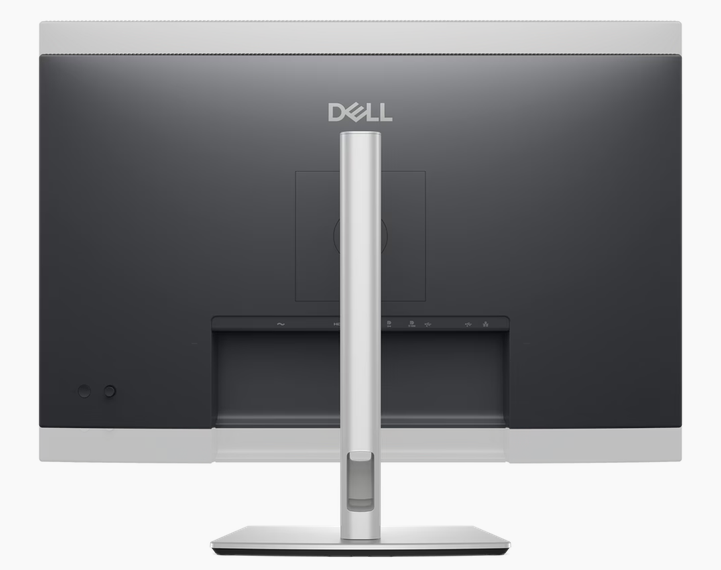
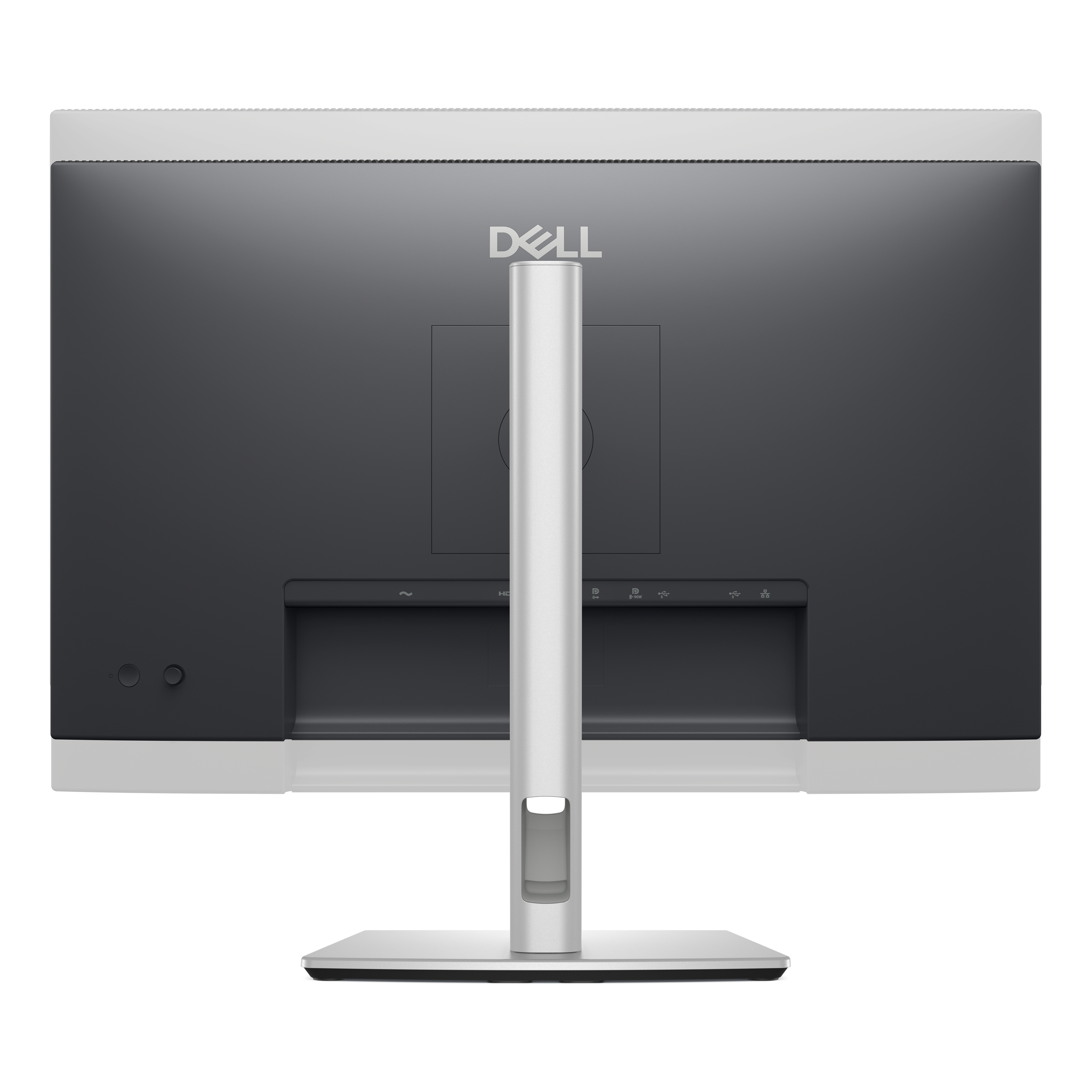
Rear view
- Security lock slot (based on Kensington Security Slot™)
- Power connector
- Stand-lock
- HDMI (HDCP 1.4) (Supports up to QHD 2560 x 1440 100Hz TMDS as per specified in HDMI 2.1)
- DisplayPort 1.4 (HDCP1.4)
- DisplayPort 1.4 (out)
- USB-C 5Gbps upstream (DP 1.4 Alt. mode, power delivery up to 90W)
- USB Type-A 5Gbps downstream (2)
- RJ45 Ethernet port, 1GbE
- Soundbar slots (2)
- USB-C 5Gbps downstream (Data only)
- USB Type-A 5Gbps downstream
Cables included
- Power cable
- DisplayPort 1.4 (DisplayPort to DisplayPort), 1.8m
- USB-C to C 10Gbps 100W, 1.0m
- USB Type-C to Type-A 5Gbps 15W, 1.8m
Overview
Features & Design

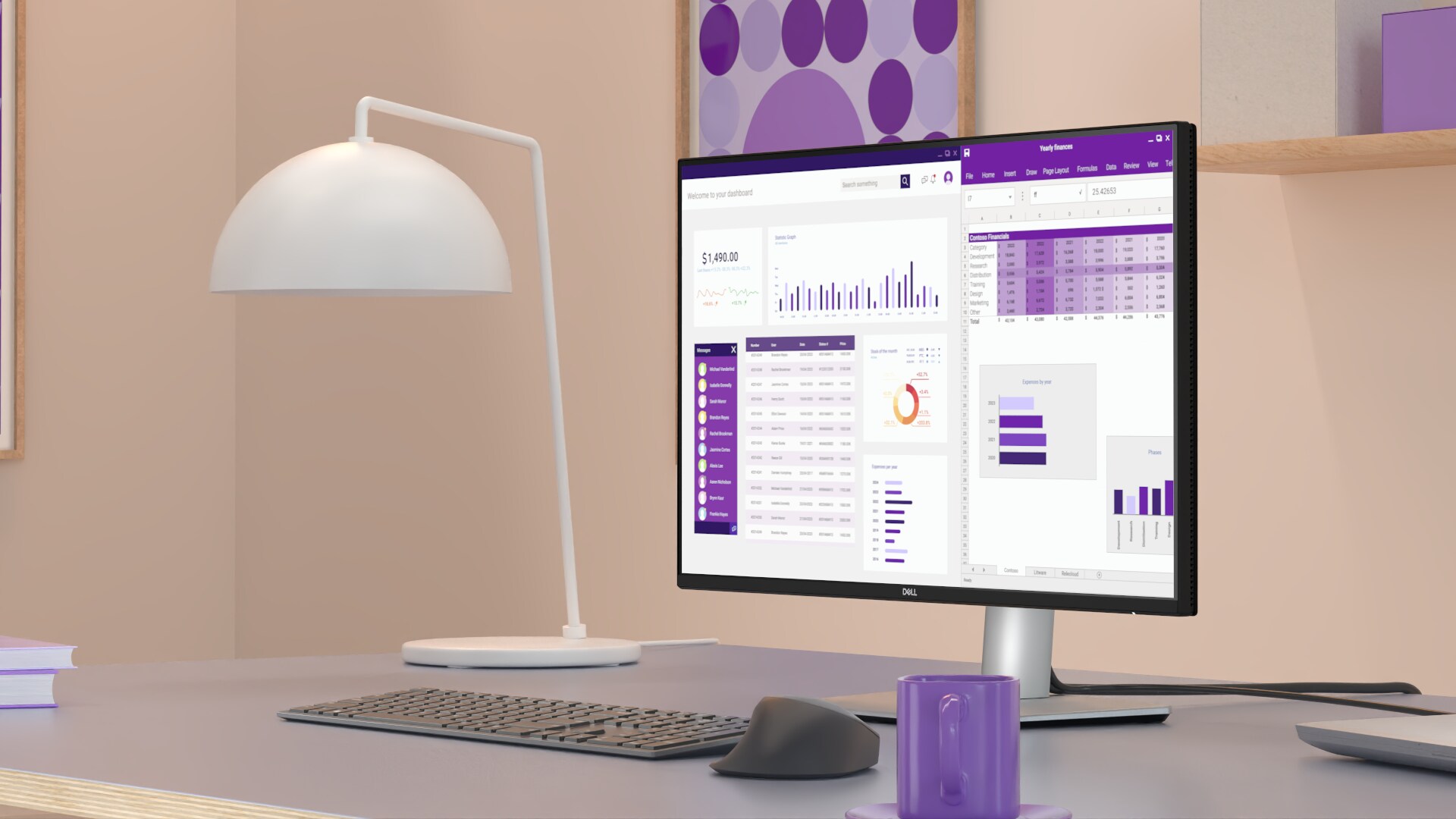
Connectivity meets productivity

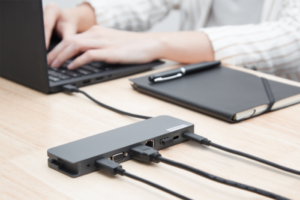
Single-cable solution
Transmit video, data, Ethernet and up to 90W power delivery all at once with USB-C.
Variety of ports
Including HDMI, DP, USB and RJ45 for stable Ethernet.
Work seamlessly
Daisy chain multiple monitors for efficient multitasking.

Works with devices on macOS®*
Tested with devices on macOS, this USB-C monitor is ready-to-work with Mac
® devices. Requires USB-C or HDMI connectivity. Daisy chaining
multiple displays via a single cable requires Thunderbolt connectivity. Please check your device for compatibility, as select M-series chips may not support some features. Install Dell Display and Peripheral Manager application to customise advance settings.
*Based on internal testing of select Dell monitors with USB-C or HDMI connection to devices on macOS, June 2024. Some features may not be supported.

Enhanced eye comfort
TÜV 4-Star certified monitor for eye comfort reduces eye fatigue while you work.
Improved ComfortView Plus
Reduced harmful blue light emissions to ≤35%, for all-day comfort without sacrificing colour.
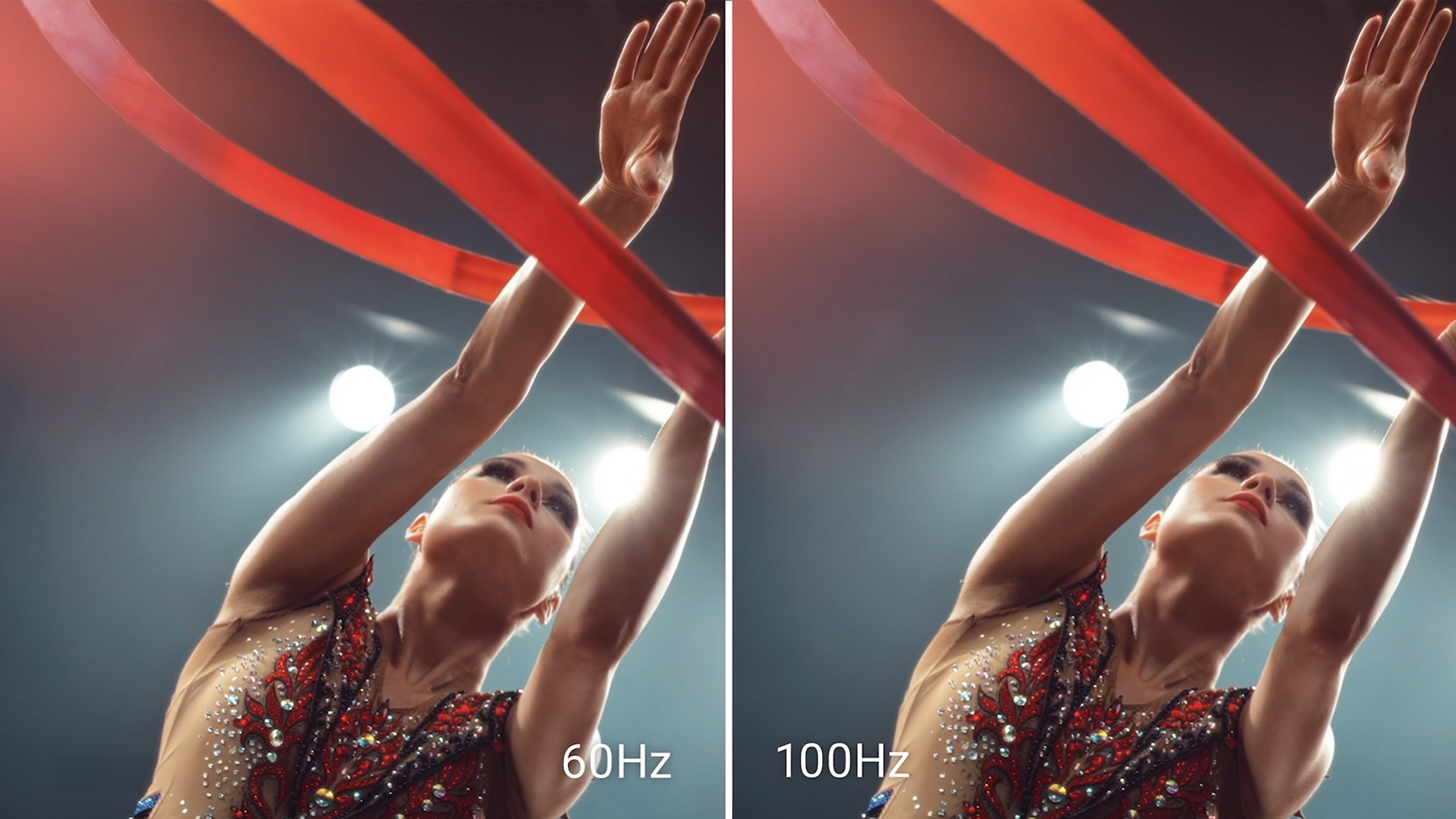
Refresh Rate
100Hz refresh rate delivers less flicker, more seamless scrolling and smoother motion.
Vivid Colours
Wide colour coverage with up to 16.7 M displayable colours of 99% sRGB.

Clarity from any angle
With high resolution and improved contrast ratio, your work has never looked this good.
QHD resolution
2560 x 1440 resolution makes every detail stand out.
Colour consistency
Vibrant colours across wide viewing angles enabled by In-Plane Switching (IPS) technology.
1500:1 contrast ratio
For deeper blacks and brighter whites.

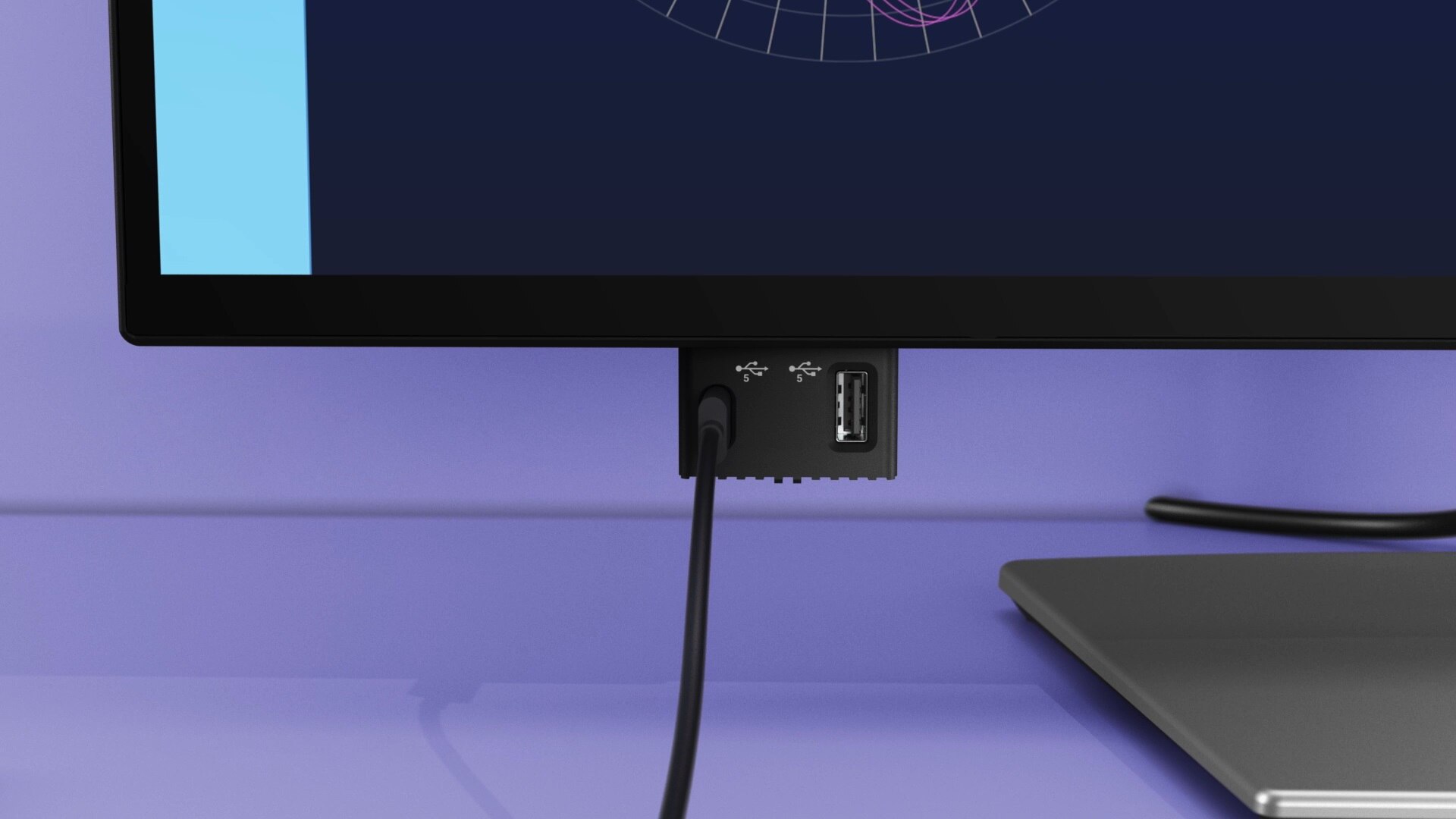
Quick access ports
Experience the convenience of front-facing, pop-out USB-C (with up to 15W charging) and USB Type-A ports for easy connectivity. When you are done, just pop the ports back in for a clean look.

Work in comfort
Designed for comfort and style with adjustability features and an ultra-thin bezel.

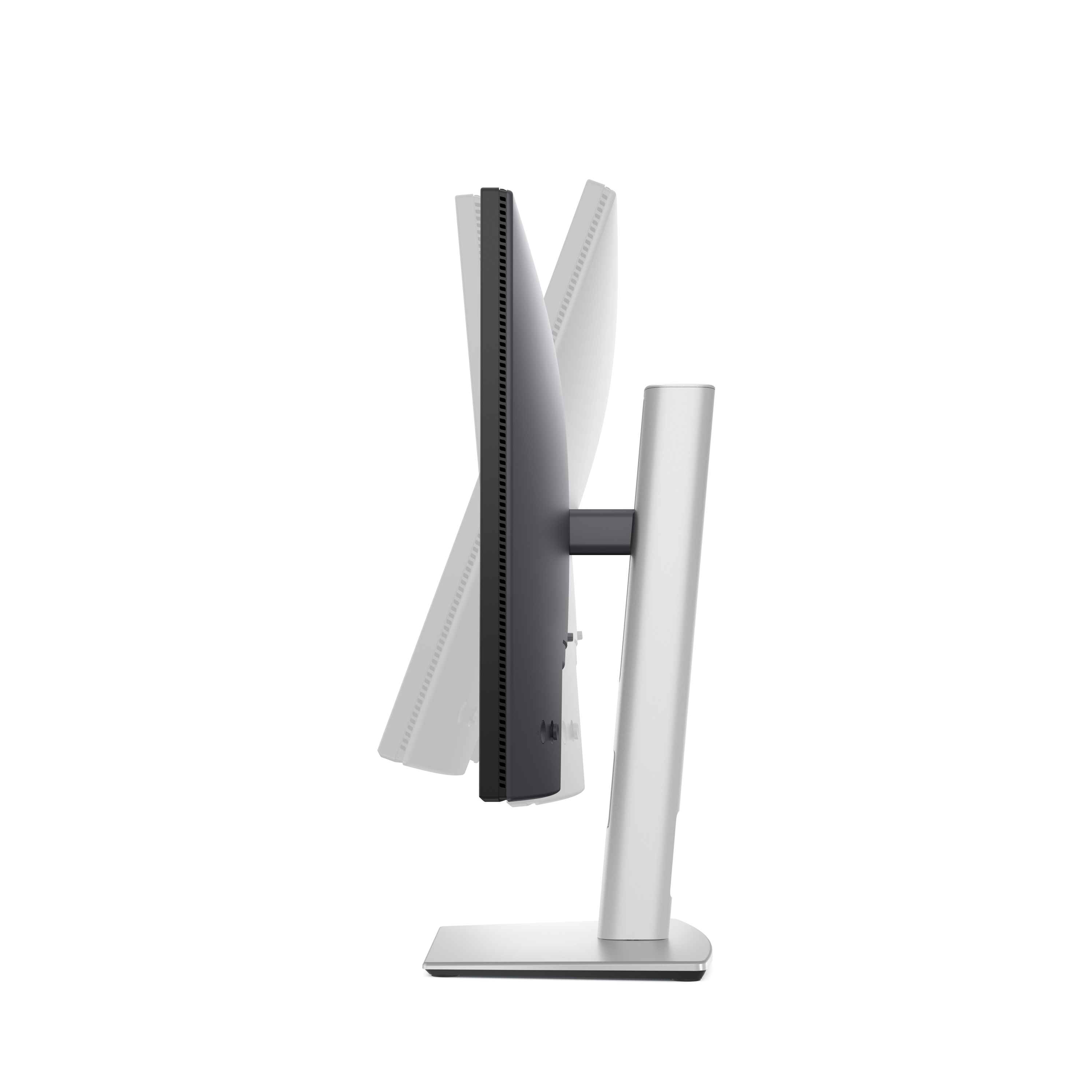
Tilt
Adjustability from -5°/+21°

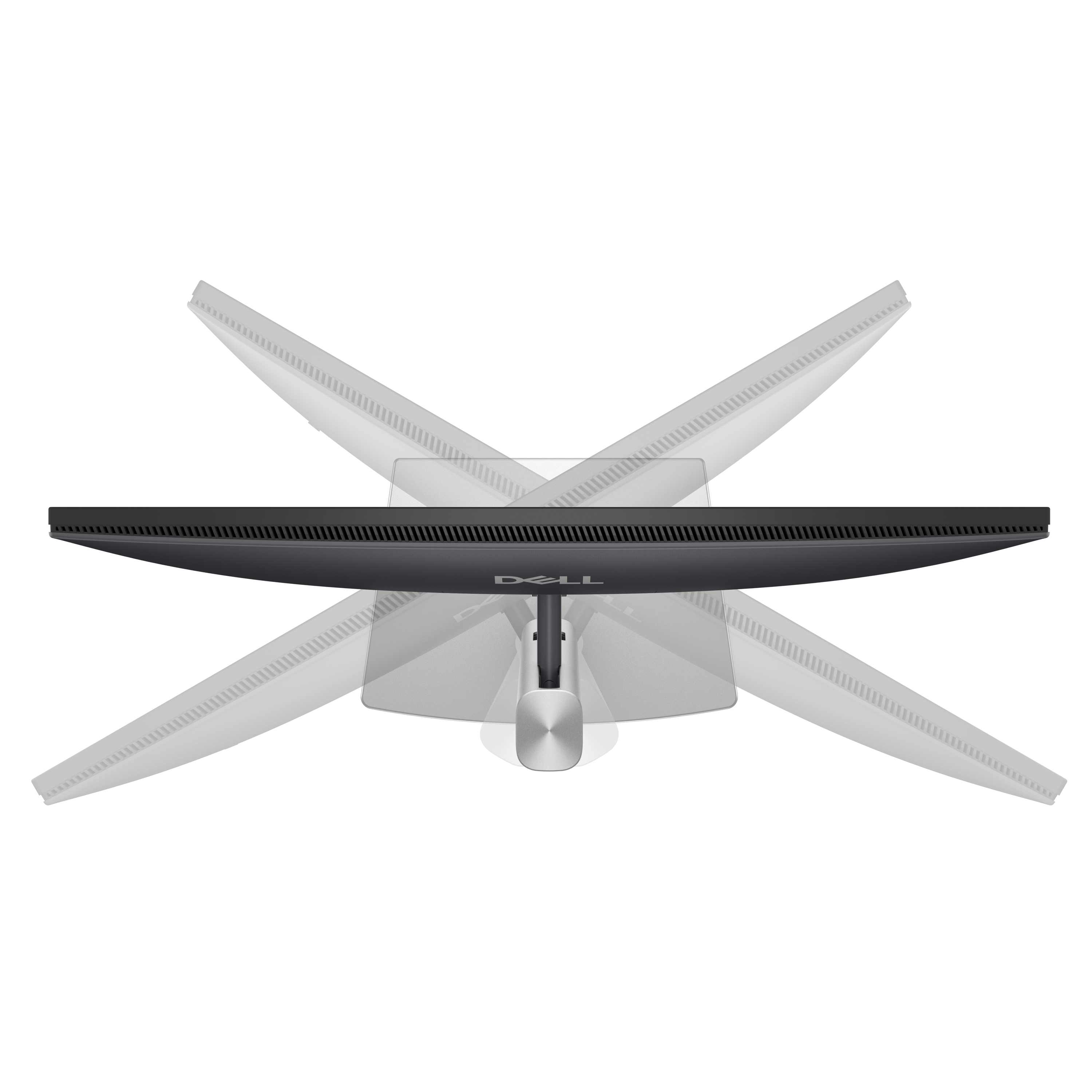
Swivel
Bi-directional adjustment up to 45°

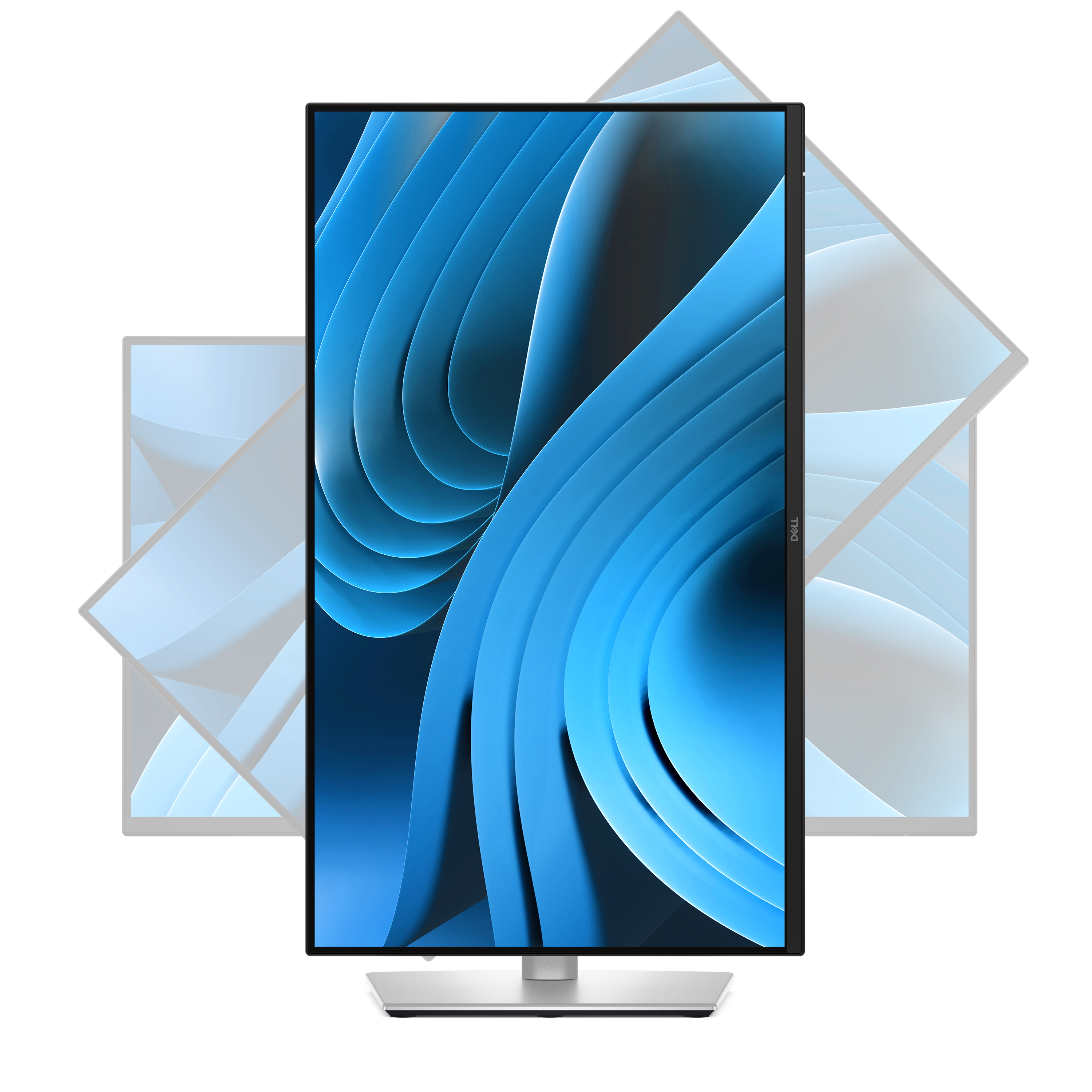
Pivot
Bi-directional adjustment up to 90°

Height
Adjustability up to 150mm
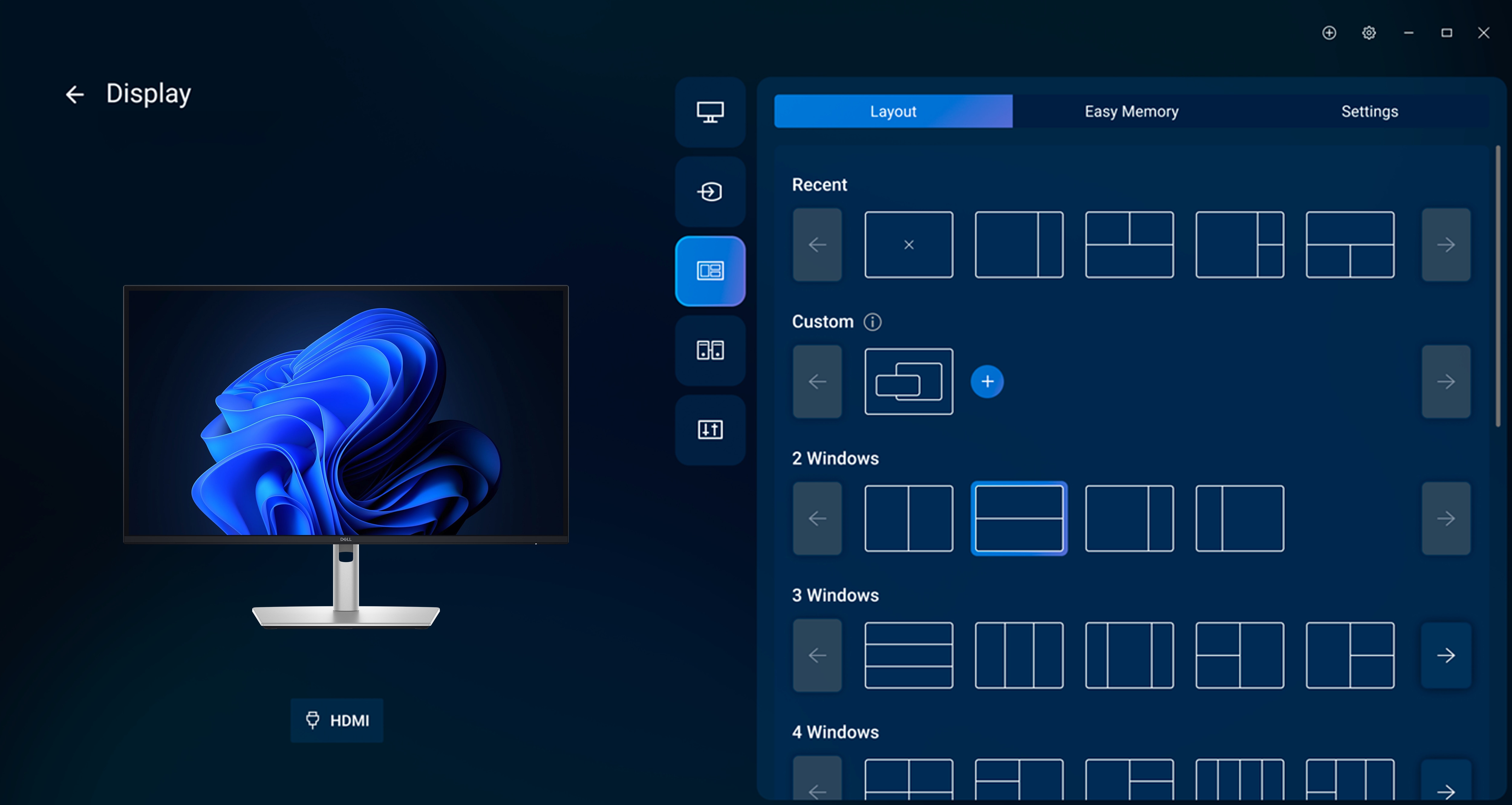
Dell Display and Peripheral Manager
Experience Dell’s singular, innovative application to optimise the performance of your entire Dell PC workspace.

Maximise productivity
Easy Arrange tiles apps across screens with pre-set partitions and customises up to five windows, enhancing multitasking. Easy Arrange Memory saves and restores app profiles manually, on schedule, or at start-up.
Customise your views
Work comfortably, day or night. Automate your brightness and contrast settings to match your schedule.
More manageable
Save time and boost IT efficiency with the Dell Device Management Console to manage your Dell peripheral fleet at scale, from a single cloud-based console. Discover expanded Command Line Interface features from Dell Display and Peripheral Manager.
Learn more about Dell Display and Peripheral Manager
Disclaimer: Screen image simulated for illustrative purposes only. Monitor model may vary.
Environmentally-forward thinking

Material innovation
Your monitor has been thoughtfully crafted with a selection of sustainable materials including up to 85% post-consumer plastic and closed-loop ITE-derived plastic, 100% recycled aluminium, 50% recycled steeland at least 20% recycled glass that make up to 31% recycled content by weight. Using recycled materials helps conserve natural resources and contributes to a lower environmental footprint.
Environmental standards
This monitor is registered EPEAT Gold with Climate+, certified ENERGY STAR® and carries the latest TCO certified designation. With the new certification, this monitor is assured to be built using renewable energy while meeting high safety standards.
Seamlessly modernise your tech
We can help you responsibly and securely retire your legacy IT equipment, regardless of brand, while addressing your sustainability goals.
Packaging with purpose
This monitor ships in a box made from 100% renewable materials. We are reducing plastic waste wherever possible and transitioning to a responsible fiber-based solution.
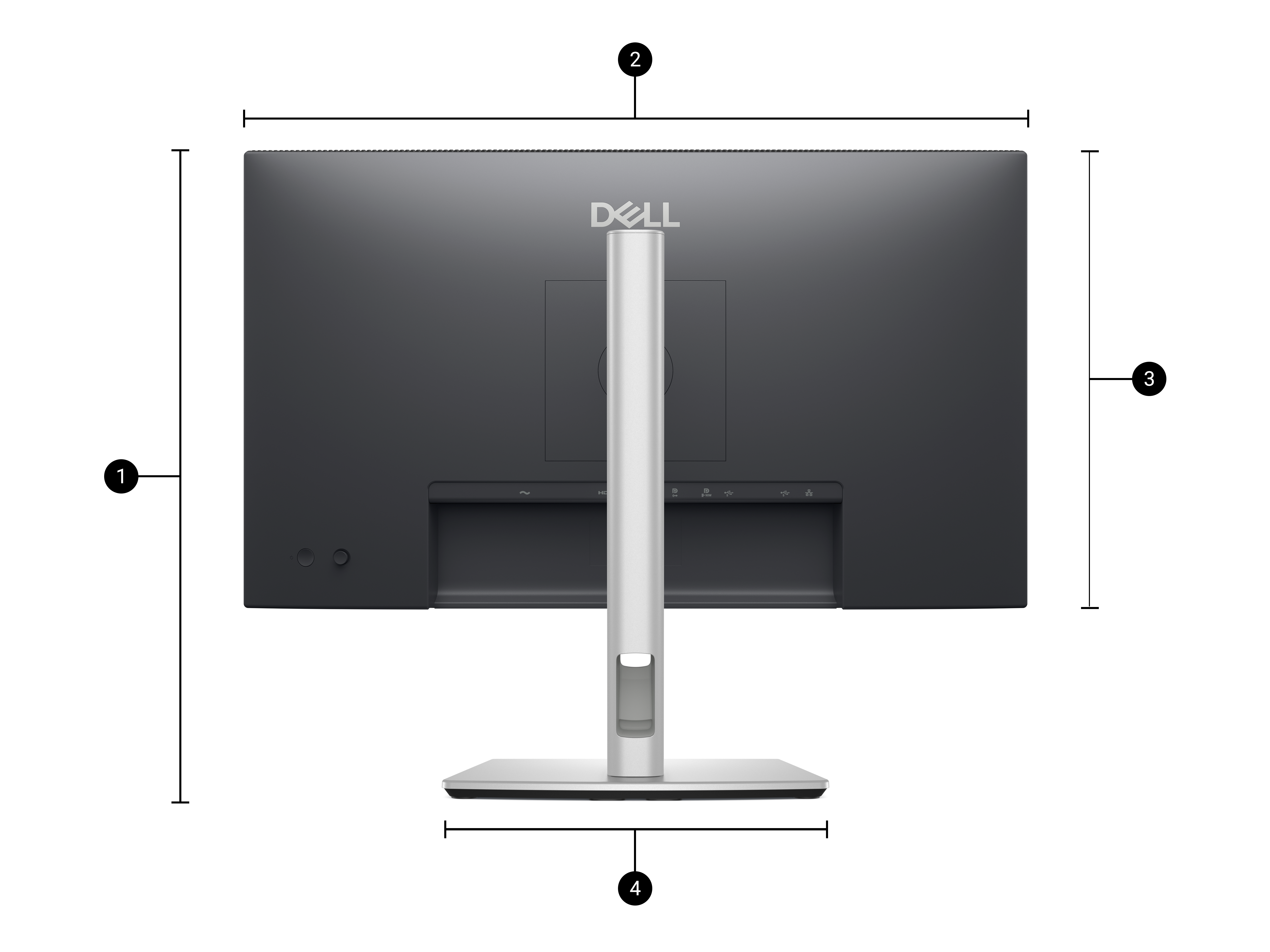
Dimensions and weight
- Monitor height with stand:
Extended: 535.70 mm (21.09 in.)
Compressed: 385.70 mm (15.19 in.)
- Monitor width: 612.50 mm (24.11 in.)
- Monitor height: 356.55 mm (14.04 in.)
- Stand width: 272.84 mm (10.74 in.)
- Monitor depth: 49.99 mm (1.97 in.)
- Stand height:
Extended: 428.30 mm (16.86 in.)
Compressed: 381.50 mm (15.02 in.)
- Stand depth: 189.00 mm (7.44 in.)
Weight
Weight with stand: 6.59 kg (14.53 lb)
Weight without stand: 4.60 kg (10.14 lb)
Detailed Tech Specs
Technical Information
Number of Screens
Screen Size Class
Viewable Screen Size
Screen Mode
Panel Technology
- In-plane Switching (IPS) Technology
Response Time Details
Aspect Ratio
Pixel Pitch
Horizontal Viewing Angle
Vertical Viewing Angle
Mount Type
Backlight Technology
HDCP Supported
Maximum Adjustable Height
Tilt Angle
Swivel Angle
Pivot Angle
Features
- Narrow Bezel
- Mercury-free
- Arsenic-free Glass
- sRGB
- Eye Comfort Technology
- PVC Free
- BFR Free
- Stand Lock
- Cable Lock Slot
- Security Lock
- Anti-glare
Horizontal Frequency
- 30 kHz to 151 kHz - DisplayPort
- 30 kHz to 151 kHz - HDMI
- 30 kHz to 151 kHz - USB Type C
Vertical Frequency
- 48 Hz to 100 Hz - DisplayPort
- 48 Hz to 100 Hz - HDMI
- 48 Hz to 100 Hz - USB Type C
Adjustable Stand
Stand Adjustments
Stand Included
Glass Hardness
Operation Hours
Video
Maximum Resolution
Standard Refresh Rate
Color Supported
Native Contrast Ratio
Brightness
Color Gamut
Maximum Preset Resolution
Pixel Per Inch (PPI)
Interfaces/Ports
Connectivity
Video port
- 1 HDMI port (HDCP 1.4) (Supports up to QHD 2560 x 1440 100Hz TMDS as per specified in HDMI 2.1)
- 1 Display Port 1.4 (HDCP1.4)(Support up to 2560 x 1440 100Hz)
- 1 DisplayPort (out) port with MST (HDCP 1.4)
USB port
- 1 USB-C 5Gbps upstream port (DisplayPort 1.4 Alternate mode, Power Delivery up to 90W)
- 1 USB-C 5Gbps downstream port
- 3 USB 5Gbps Type-A downstream ports
Ethernet port
USB Type-C (Power Delivery)
Built-in Devices
Built-in Devices
Environmental Conditions
Operating Temperature Range
- 32°F (0°C) to 104°F (40°C)
Non-operating Temperature Range
- -4°F (-20°C) to 140°F (60°C)
Operating Humidity Range
- 10% to 80% (Non-condensing)
Non-operating Humidity Range
- 5% to 90% (Non-condensing)
Maximum Operating Altitude
Maximum Non-operating Altitude
Power Description
Input Voltage Range
Operating Power Consumption
Standby Power Consumption
Off-Mode Power Consumption
Frequency
Maximum Power Consumption
Voltage Current
Physical Characteristics
VESA Mount Compatible
VESA Mount Standard
Height
Width
Depth
Height with Stand
Width with Stand
Depth with Stand
Compressed Height with Stand
Extended Height with Stand
Bezel Width (Top)
Bezel Width (Bottom)
Bezel Width (Left)
Bezel Width (Right)
Weight (Approximate)
Stand Height
Stand Width
Stand Depth
Weight with Stand (Approximate)
Miscellaneous
Package Contents
- Pro 27 Plus QHD USB-C Hub Monitor P2725DE
- Stand
Cable Type Included
- Power cable
- 1 x DisplayPort to DisplayPort 1.4 cable - 1.80 m
- 1 x USB-C to C 10Gbps, 100W cable - 1.00 m
- 1 x USB Type-C to Type-A 5Gbps cable - 1.80 m
Energy Star
Country of Origin
TCO Certified
Dell Display Manager Compatibility
Remote Asset Management
Environmentally Friendly
Environmental Certification
- TCO Certified 10.0
- TCO Certified Edge
- Electronic Product Environmental Assessment Tool Climate+ (EPEAT Climate+)
- Electronic Product Environmental Assessment Tool Gold (EPEAT Gold)
Energy Efficiency Certification
Energy Efficiency Compliance
- Energy-related Products Directive Lot 5 (ErP Lot 5)
Environmental Compliance
- Restriction of Hazardous Substances (RoHS)
Regulatory Declaration
- Importer:Dell International Services India Private Limited Crystal Downs, Survey no. 7/1, 7/2, 7/3, Embassy Golf Links Business Park, Off-Intermediate Ring Road, Domlur, Challaghatta Village, Varthur Hobli, Bengaluru-560071, Karnataka, India
- Manufacturer Country of Origin:Vietnam
- Product Type:Monitor
- Net Quantity:1
- Consumer Complaints:grievanceofficer@dell.com
Warranty
Limited Warranty
Additional Warranty Information
- 3 Years Limited Hardware and Advanced Exchanged Service
































Reviews
There are no reviews yet.