




Shop by Category




Special Promotion
Special Promotion
Special Promotion

Brand: Konica Minolta
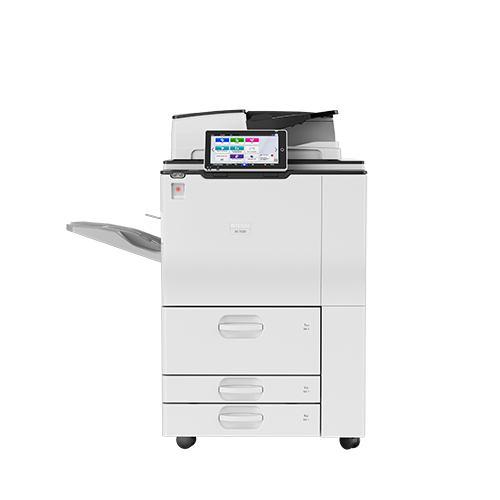
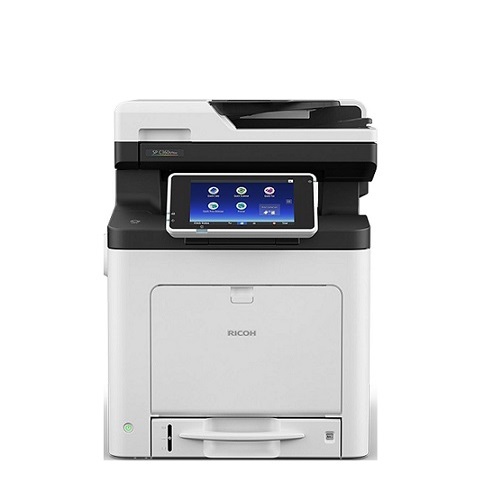
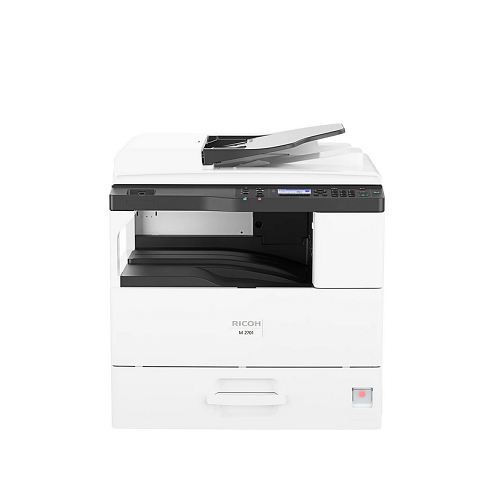
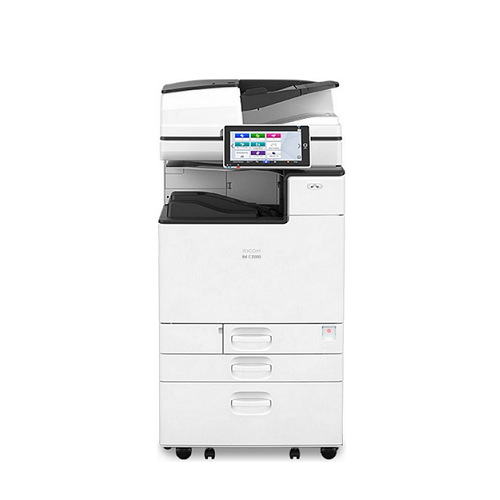
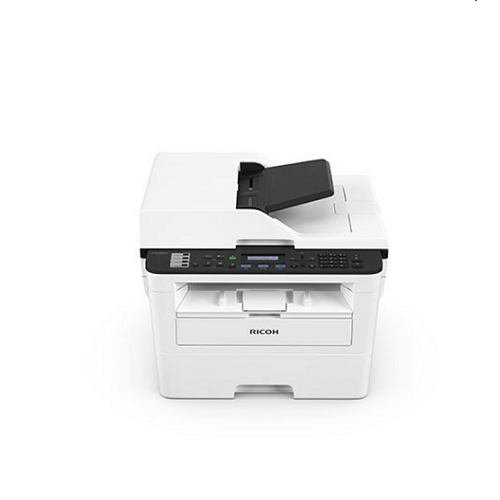
For The Immediate delivery requirement contact sales team. Usually Ship in 2-3 days Back to Back 4-5 Weeks, images are for illustration purposes only.
AED 31,075.00 excl. VAT
For urgent delivery, please contact sales before ordering. Orders usually ship as per the estimated delivery date in certain case backorders may take 4–12 weeks. Images are for illustration only and may differ from the actual item.
PN: C651i
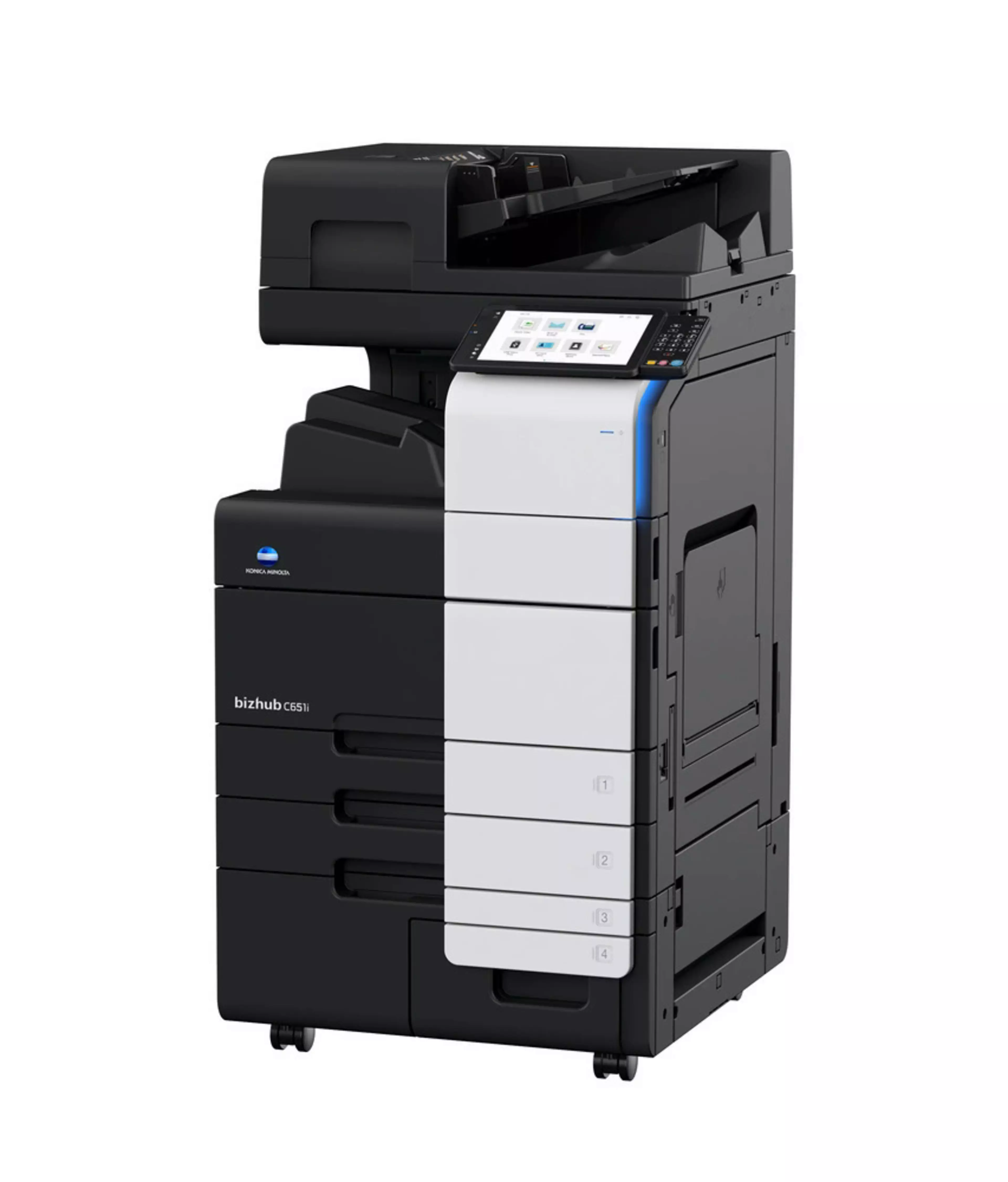
Enjoy the bizhub i-Series with the 10.1 inch tablet-like panel, the best User Experience of the market, the number one Security features with the optional embedded Bitdefender anti-virus scan engine, Remote Services, Konica Minolta IT Services and much more.
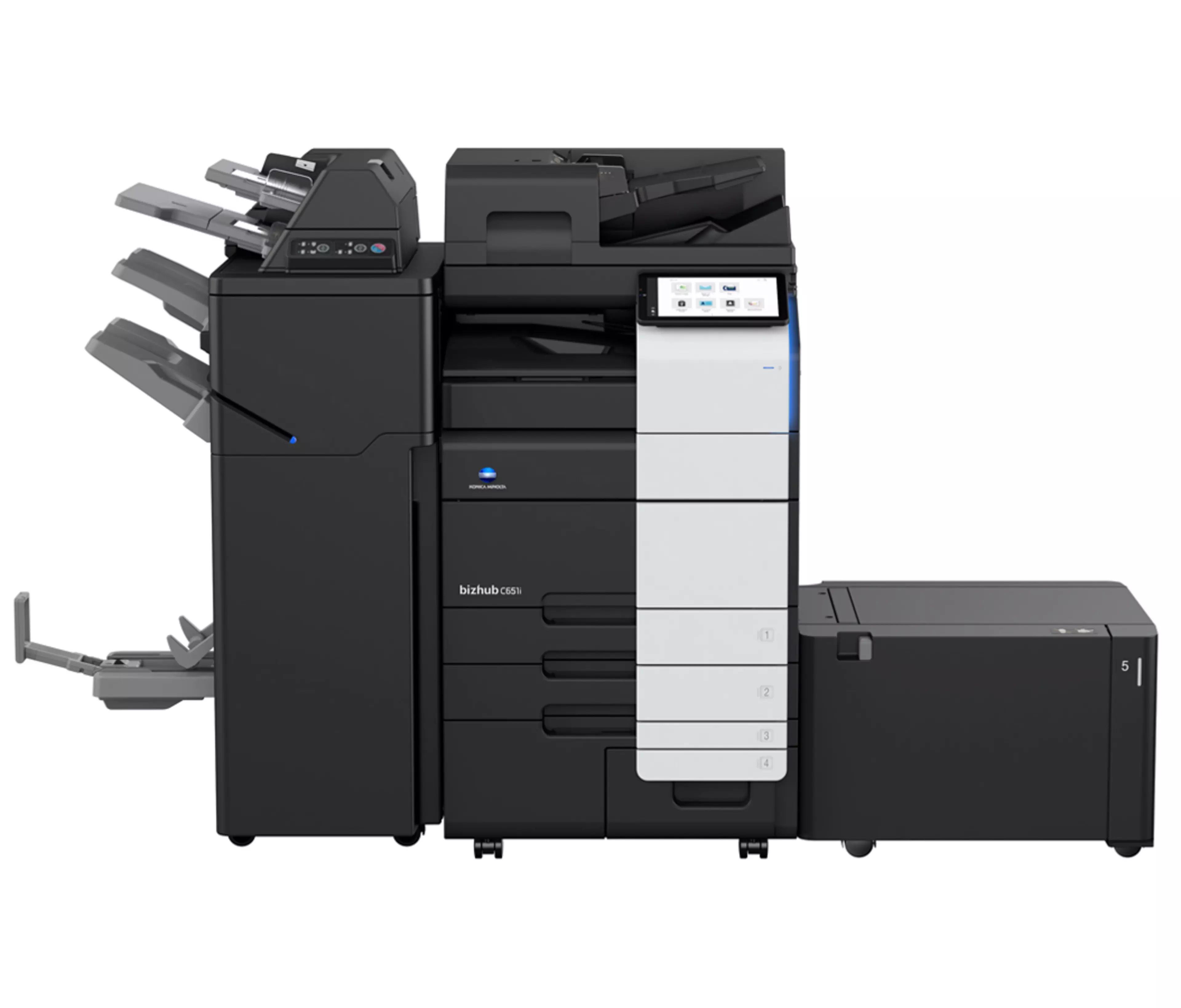
*Accessories to be bought separately.
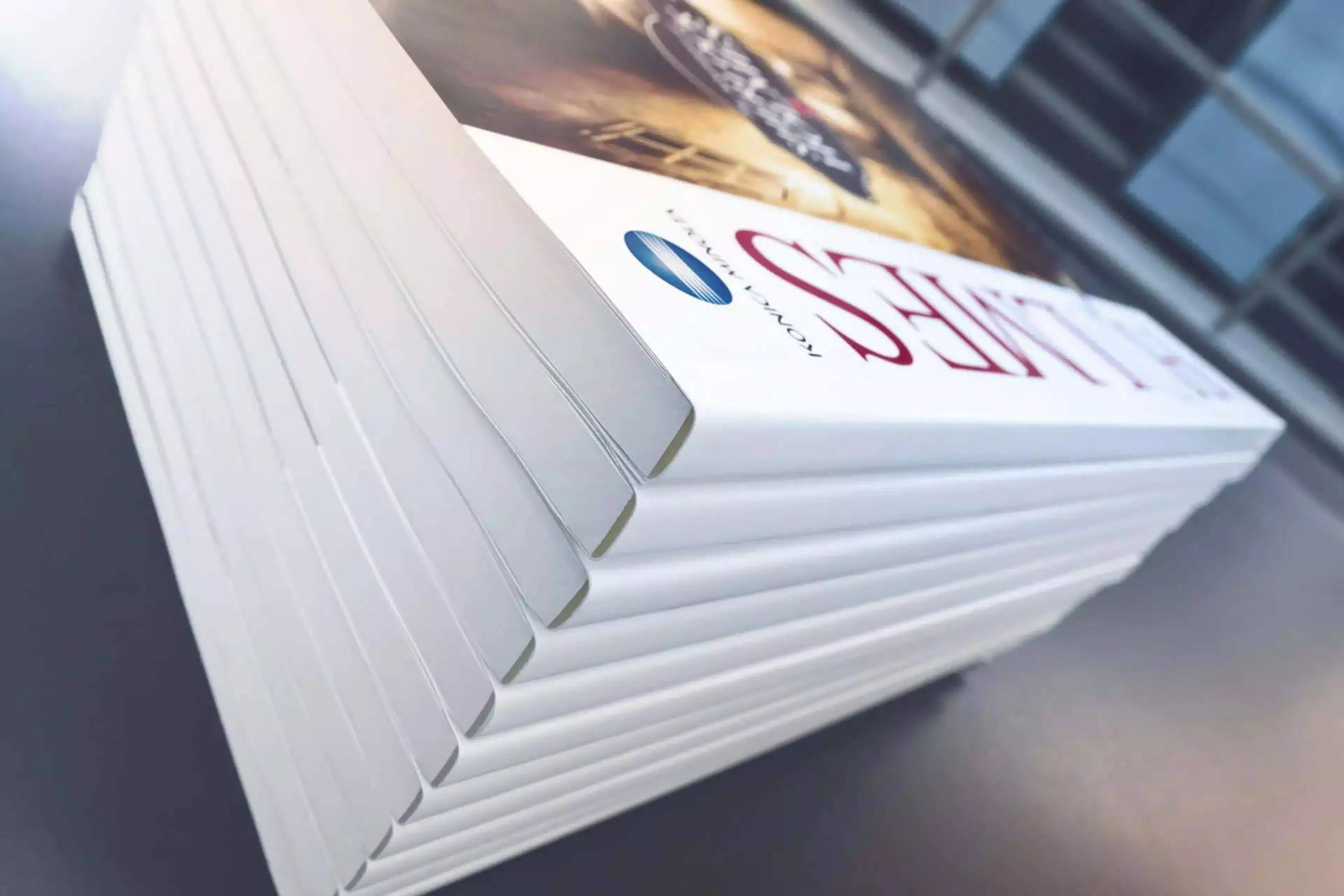
Versatile finishing options include online- and offline-stapling, punching, letterfolding of up to 3 sheets per letter and booklets of up to 20 sheets (80 pages) for improved office productivity and professional documents.
Embedded media sensor can detect paper weight and type to ensure right settings are applied
A full set of security features provided by bizhub SECURE services, including Bitdefender® anti-virus engine to protect your organization from malware infection.
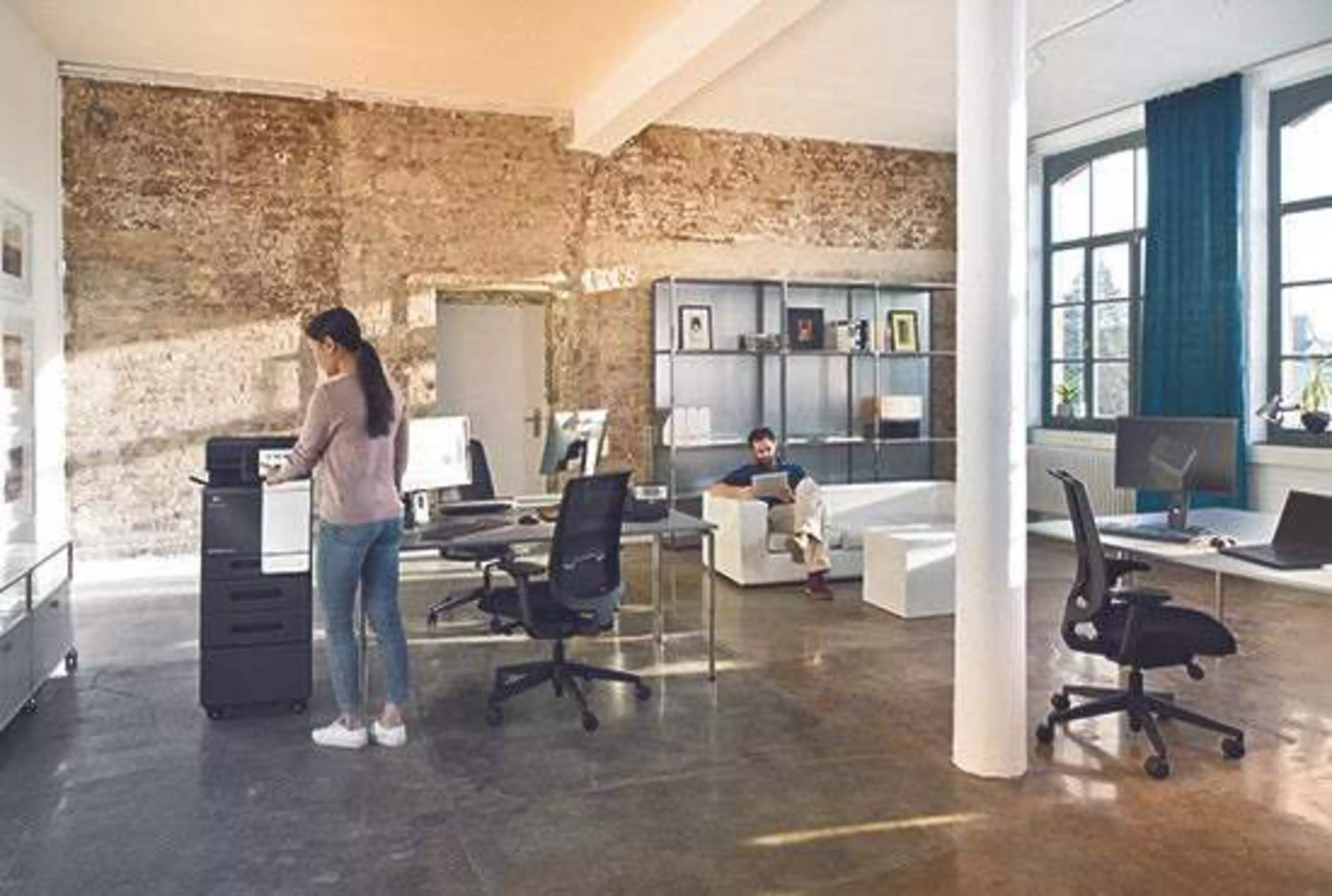
Energy-saving settings, low TEC values, space-saving design and award-winning air packaging helps to reduce environmental impact and save costs at the same time.
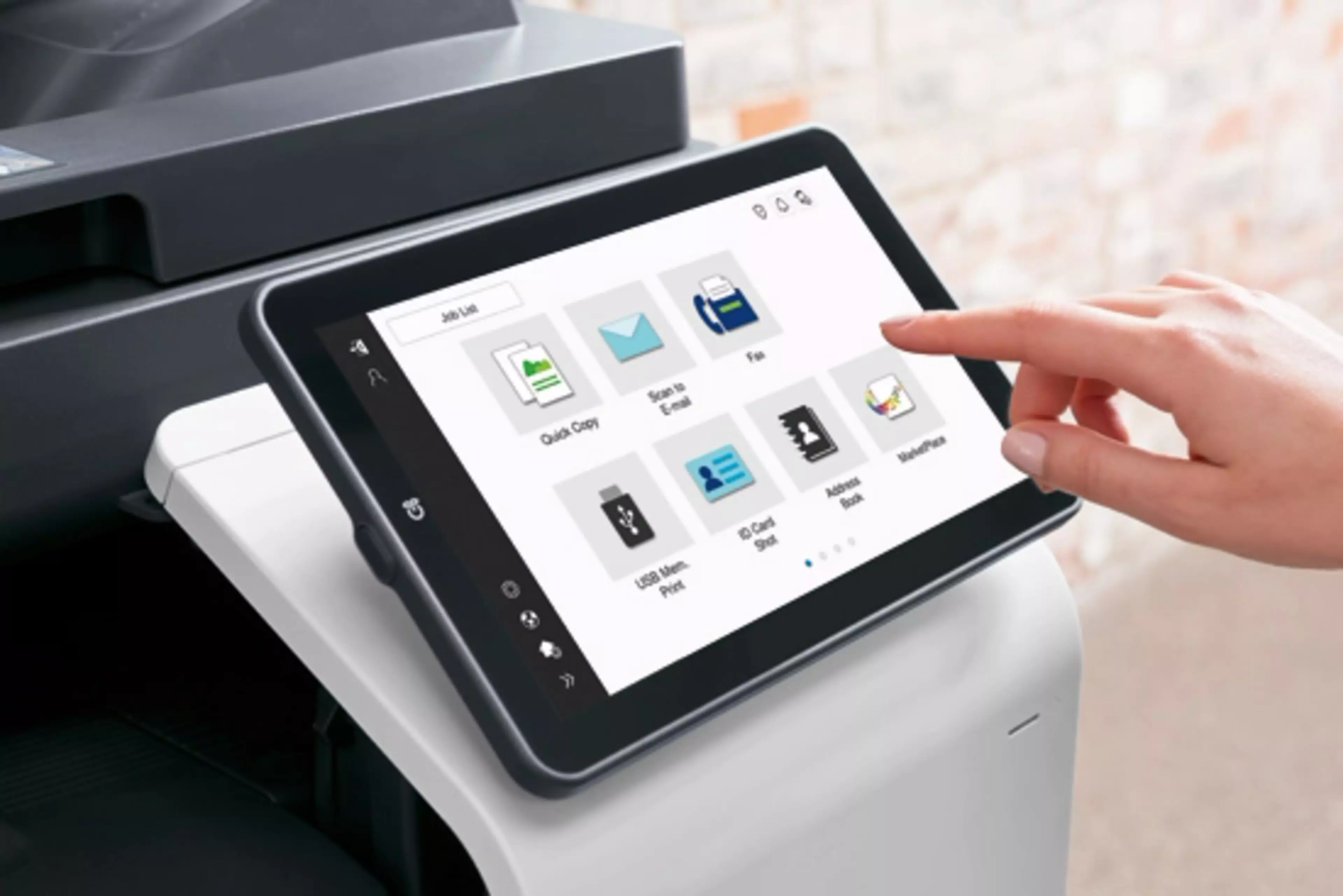
The 10.1-inch colour touch screen provides an easy operation, just like your smartphone or tablets. All main settings available at a glance to make the copying easier.
Every new bizhub i-Series model has an improved and even more intuitive user interface. The function applications are now conveniently placed in the new folder “Useful apps” which is available on the home screen, but the users can group different applications based on their preferences using Drag & Drop, similar to smartphones.

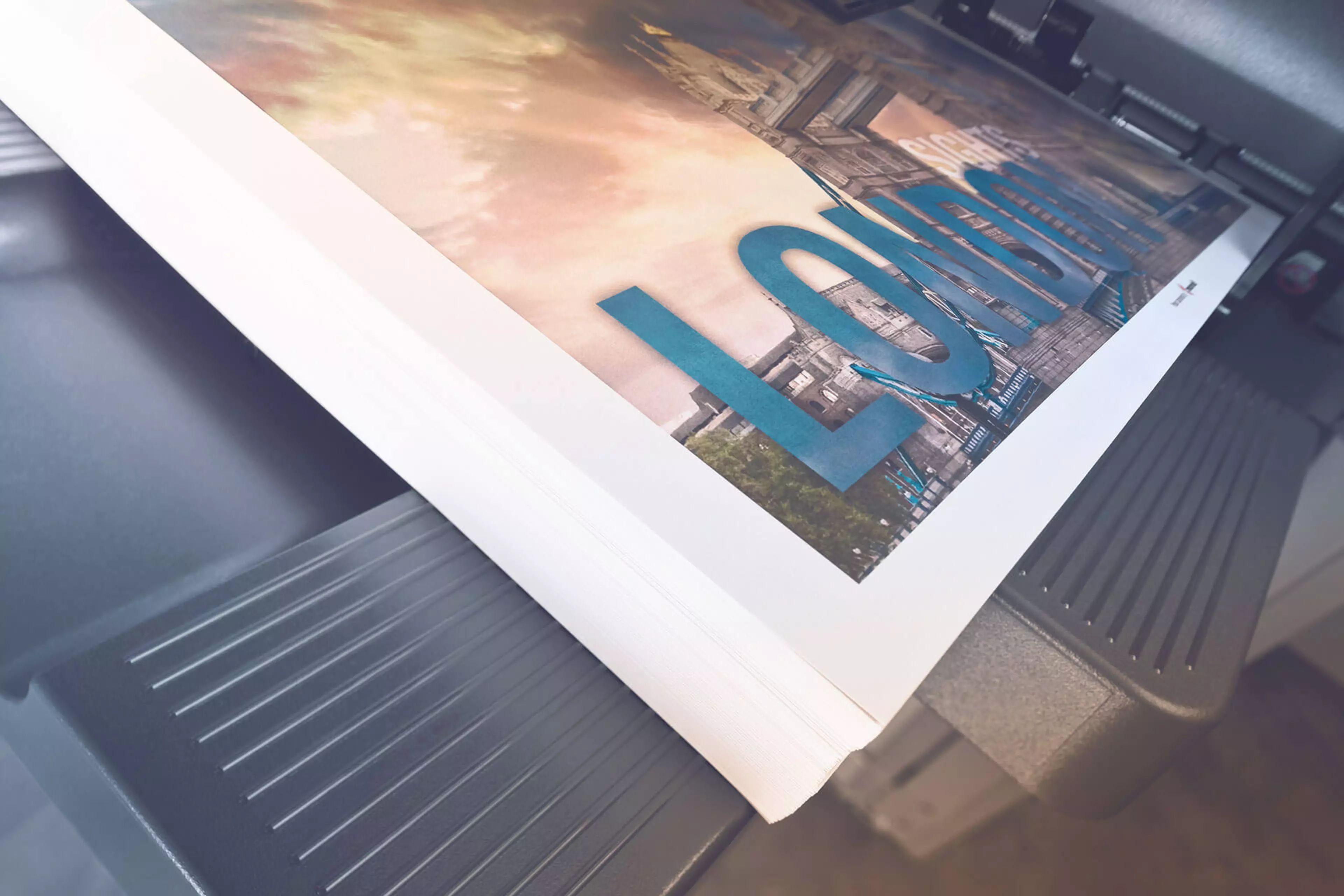
Direct print
Driverless printing of PDF, XPS, DOCX, XLSX, PPTX, JPEG, TIFF, PS and PCL
Mobile Printing
Possibility to directly print documents from a mobile device
MyTab
Print driver customisation
Smart job queue
Unprintable jobs e.g. because of unavailable paper size (copy, print and fax) are bypassed by consecutive jobs
Universal Printer Driver
One driver to install, manage and maintain
Blank page removal
Automatic deletion of blank pages e.g. when copying mixed simplex and duplex documents
New User Interface
Light, simple and modern UI is easy to use
Quick access to settings
With most used settings visible at first sight, select them with one click, drop down or pop up menu
Blank page removal
Automatic deletion of blank pages e.g. when scanning mixed simplex and duplex documents
Dual scan document feeder
DSDF with standard double feed detection helps to perfom scan jobs quicker
Scan annotation
Stamping of e.g. date/time, filing number or custom text on scans for archiving purposes
Scan preview
Provides a real-time preview of scanned originals for checking before sending
Scan to url
Reduce the load on the company network by sending a simple url to the recipient instead of a big file
Scan-to-Me/Home
Direct scan to own email address (Me) or SMB folder (Home) based on Active Directory information

Auto deletion
Automatic deletion of files stored in a user box after a predefined period
Box function
Storing of print, copy, scan and fax jobs for recall to send and print – for frequently printed documents like brochures, forms, pricelists etc.
Online access
User box file access via web browser or box operator utility
Personal, Group and Public
User access definition for different boxes
Sharing
Copying of documents from user box to user box

Fax forwarding
Forwarding of incoming fax documents by email or to SMB folder instead of printing
IP-Fax
Sending of fax messages via network between Konica Minolta MFPs; supports colour as well as black & white
PC-Fax
Direct fax transmission from the PC
Shared address book
The MFP-internal address book can be shared with the PC fax client
Tray selection
Choice of input tray / print media and output tray for easy visibility of incoming faxes

Dynamic eco timer
Automatic analysis of working hours and adjustment of sleep mode timing
ECO meter
Counter for ECO related items e.g. power consumption
ECO print
Touch screen panel does not light up for printing out of sleep mode
ECO scan
Scanning of documents without warm-up of the print engine
Weekly timer
Sleep mode timer setting on day and date basis
Access rights
Function access rights can be granted on user level (up to 1,000 accounts on MFP)
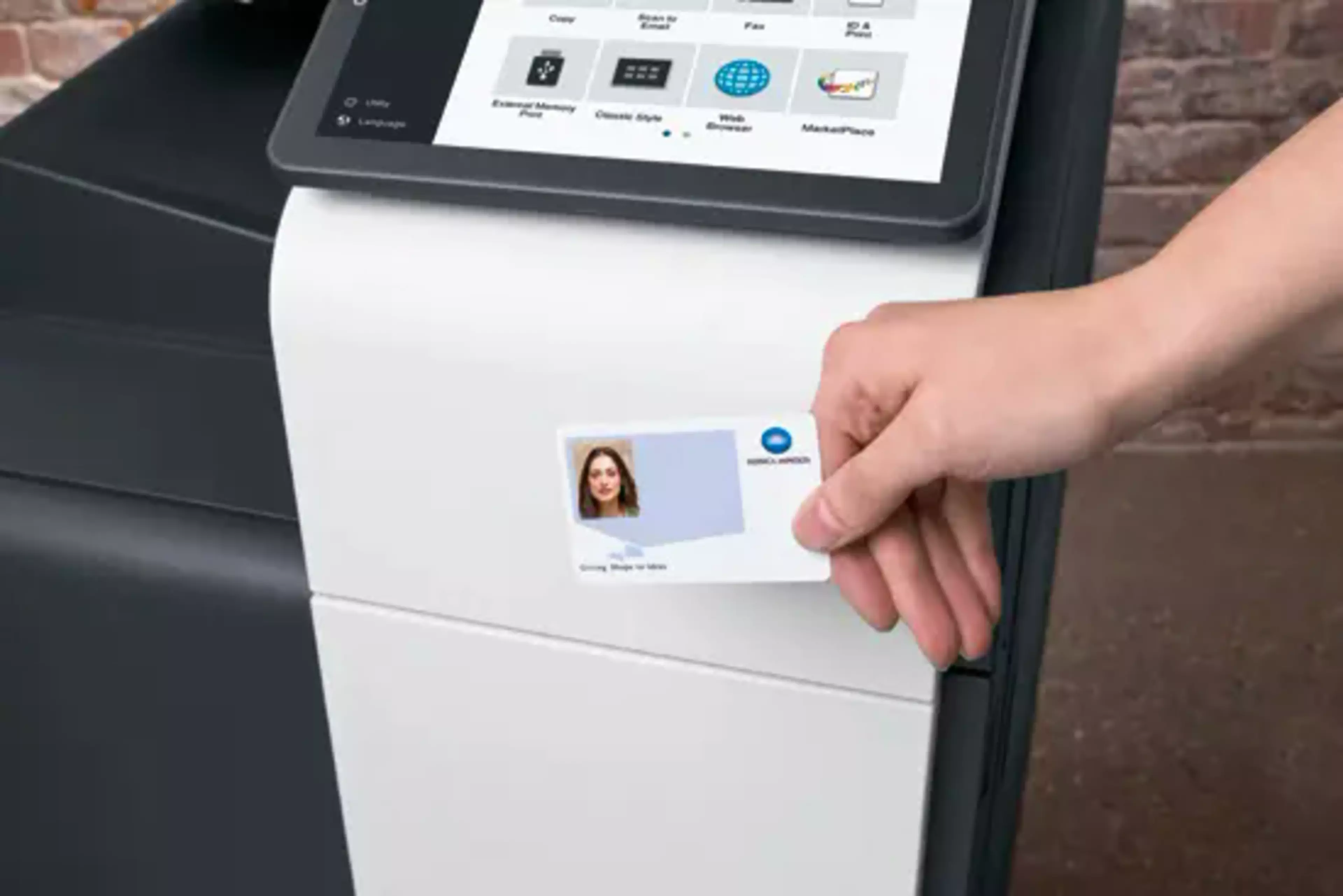
Authentication
User access by password, user name + password, ID card or finger vein scanner
bizhub SECURE services
Securely set the MFP to make sure the company’s data is safe
Data encryption
Encryption of data stored on hard disk and password protection for hard disk access
Embedded Antivirus
End users can now follow the live status of the virus scanning on the display and can then also contact the IT administrator in case of doubt. Also, the administrator now receives more information about the virus including its type it is and, where it originated.
New data erasure tool
When the device is end of life, organizations do not have to worry about their data, as they can delete all data on the SSD (Solid State Drive) with the new data erasure tool “Secure Erase”. After erasure, the firmware of the device is deleted so that the device can no longer be started.
Password Attack Access
Authentication request is measured and in case of attack discovery, the server is notificated
Unauthorized Access
System administrator is alterted via SNMP trap in case of unauthorized access attempt and can block the access
Finishing
Corner stapling, Corner stapling (offline), Two-point stapling, Two-hole punching, Four-hole punching, Duplex, Combined mixplex/mixmedia, Half-fold, Sheet insertion, Letterfold, Booklet, Offset sorting, Z-fold, Banner printing
System Specifications |
|
| System speed A4 | Up to 65/65 ppm (mono/colour) |
| System speed A4 | Up to 65/65 ppm (mono/colour) |
| System speed A3 | Up to 32/32 ppm (mono/colour) |
| Autoduplex speed A4 | Up to 65/65 ppm (mono/colour) |
| 1st page out time A4 | 2.8/3.8 sec. (mono/colour) |
| Warm-up time | Approx. 12/13 sec. (mono/colour)¹ |
| Imaging technology | Laser |
| Toner technology | Simitri® V polymerised toner |
| Panel size/resolution | 10.1″ / 1024 x 600 |
| System memory | 8,192 MB (standard/max) |
| System hard drive | 256 GB SSD (standard) / 1 TB SSD (optional) |
| Interface | 10/100/1,000-Base-T Ethernet; USB 2.0; Wi-Fi 802.11 b/g/n/ac (optional) |
| Network protocols | TCP/IP (IPv4 / IPv6); SMB; LPD; IPP; SNMP; HTTP(S); Bonjour |
| Automatic document feeder | Up to 300 originals; A6-A3; 35-210 g/m²; Dualscan ADF |
| ADF double feed detection | Standard |
| Printable paper size | A6-SRA3; customized paper sizes; banner paper max. 1,200 x 297 mm |
| Printable paper weight | 52-300 g/m² |
| Intelligent media sensor | Automatic paper weight and type detection |
| Paper input capacity | 1,150 sheets / 6,650 sheets (standard/max) |
| Large capacity tray (optional) | 1x 3,000; A4; 52-256 g/m² |
| 1x 2,500; A4-SRA3; custom sizes; 52-256 g/m² | |
| Manual bypass | 150 sheets; A6-SRA3; custom sizes; banner; 60-300 g/m² |
| Finishing modes (optional) | Offset; Group; Sort; Staple; Staple (offline); Punch; Half-fold; Letter-fold; Booklet; Post insertion; Z-fold |
| Automatic duplexing | A6-SRA3; 52-256 g/m² |
| Output capacity | Up to 250 sheets / up to 3,300 sheets (standard/max) |
| Stapling output capacity | Max. 200 sets |
| Stapling | Max. 100 sheets or 98 sheets + 2 cover sheets (up to 300 g/m²) |
| Letter fold | Max. 3 sheets |
| Letter fold capacity | Max. 50 sets; unlimited (without tray) |
| Booklet | Max. 20 sheets or 19 sheets + 1 cover sheet (up to 300 g/m²) |
| Booklet output capacity | Max. 35 booklets; unlimited (without tray) |
| Duty cycle (monthly) | Rec. 53,000 pages; Max.² 250,000 pages |
| Toner lifetime | Black up to 28,000 pages |
| CMY up to 28,000 pages | |
| Power consumption | 220-240 V / 50/60 Hz; Less than 2.00 kW |
| System dimension (W x D x H) | 615 x 688 x 961 mm (without options) |
| System weight | Approx. 100.0 kg (without options) |
Printer Specifications |
|
| Print resolution | 1,800 (equivalent) x 600 dpi; 1200 x 1200 dpi |
| Page description language | PCL 6 (XL3.0); PCL 5c; PostScript 3 (CPSI 3016); XPS |
| Operating systems | Windows 10 (32/64); Windows 11; Windows Server 2012; Windows Server 2012 R2; Windows Server 2016; Windows Server 2019; Windows Server 2022; macOS 10.12 or later; Unix; Linux; Citrix |
| Printer fonts | 80 PCL Latin; 137 PostScript 3 Emulation Latin |
| Barcode fonts (optional); OCR A and B fonts (optional); Unicode fonts (optional) | |
| Mobile printing | AirPrint (iOS); Mopria (Android); Konica Minolta Mobile Print (iOS/Android) |
| optional: WiFi Direct | |
Printer Specifications (Optional) |
|
| Print controller | Embedded Fiery IC-420 v2 |
| Controller CPU | Intel Celeron G4900T @ 2.9 GHz |
| Memory/HDD | 4,096 MB / 500 GB |
| Page description language | Adobe PostScript 3 (CPSI 3020); PCL 6; PCL 5c |
| Operating systems | Windows 7 (32/64); Windows 8.1 (32/64); Windows 10 (32/64); Windows 11; Windows Server 2022; Macintosh OS 10.14 – 12.1 |
Scanner Specifications |
|
| Scan speed | Up to 140/140 ipm in simplex (mono/colour) |
| Up to 280/280 ipm in duplex (mono/colour) | |
| Scan resolution | Up to 600 x 600 dpi |
| Scan modes | Scan-to-eMail (Scan-to-Me); Scan-to-SMB (Scan-to-Home); Scan-to-FTP; Scan-to-Box; Scan-to-USB; Scan-to-WebDAV; Scan-to-DPWS; Scan-to-URL; TWAIN scan |
| File formats | JPEG; TIFF; PDF; Compact PDF; Encrypted PDF; XPS; Compact XPS; PPTX; PDF/A 1a and 1b |
| optional: Searchable PDF; Searchable DOCX/PPTX/XLSX | |
| Scan destinations | 2,000 destinations + 100 groups; LDAP support |
Copier Specifications |
|
| Copy resolution | 600 x 600 dpi |
| Gradation | 256 gradations |
| Multicopy | 1-9,999 |
| Original format | Max. A3 |
| Magnification | 25-400% in 0.1% steps; Auto-zooming |
Fax Specifications |
|
| Fax standard | Super G3 (optional) |
| Fax transmission | Analogue; i-Fax; Colour i-Fax; IP-Fax |
| Fax resolution | Up to 600 x 600 dpi |
| Fax compression | MH; MR; MMR; JBIG |
| Fax modem | Up to 33.6 Kbps |
| Fax destinations | 2,000 single + 100 groups |
User Box Specifications |
|
| Storable documents | Up to 3,000 documents or 10,000 pages |
| Type of user boxes | Public; Personal (with password or authentication); Group (with authentication) |
| Type of system boxes | Secure print; Encrypted PDF print; Fax receipt; Fax polling |
System Features |
|
| Security | ISO15408 Common Criteria; IP filtering and port blocking; SSL3 and TLS1.1/1.2/1.3 network communication; IPsec support; IEEE 802.1x support; User authentication; Authentication log; Secure print; Kerberos; Hard drive overwrite; Hard drive data encryption (AES 256); Confidential fax; Print user data encryption |
| optional: Antivirus realtime scanning (Bitdefender®) | |
| Accounting | Up to 1,000 user accounts; Active Directory support (user name + password + e-mail + smb folder); User function access definition; Authentication by mobile device (Android) |
| optional: Biometric authentication (finger vein scanner); ID card authentication (ID card reader); Authentication by mobile device (iOS) | |
| Software | Data Administrator; Web Connection; HDD Backup Utility; Driver Packaging Utility; Log Management Utility; Font Management Utility; Download Manager |













Reviews
There are no reviews yet.