



Shop by Category




Special Promotion
Special Promotion
Special Promotion
Brand: Microsoft
AED 850.00 excl. VAT
AED 850.00 excl. VAT
Out of stock product
For urgent delivery, please contact sales before ordering. Orders usually ship as per the estimated delivery date in certain case backorders may take 4–12 weeks. Images are for illustration only and may differ from the actual item.
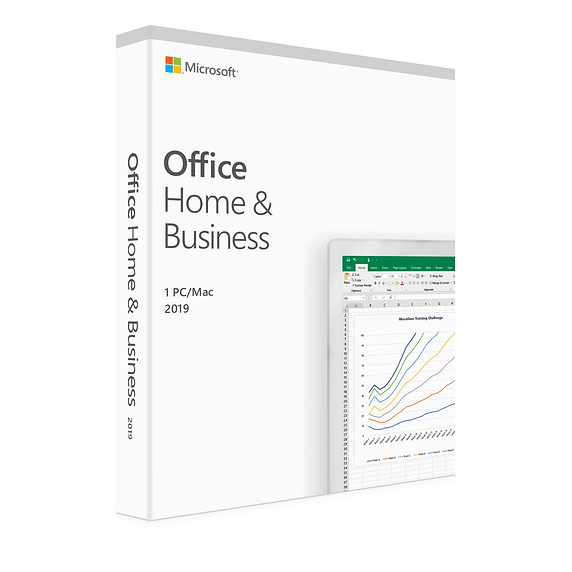
The essentials to get it all done. Office Home and Business 2019 is for families and small businesses who want classic Office apps and email. It includes Word, Excel, PowerPoint, and Outlook for Windows 10. A one-time purchase installed on 1 PC or Mac for use at home or work.

Office 365 is a subscription that comes with premium apps like Word, Excel, PowerPoint, OneNote, Outlook, Publisher, and Access (Publisher and Access available on PC only). The apps can be installed on multiple devices, including PCs, Macs, iPads, iPhones, Android tablets, and Android phones. Office 365 also comes with services like 1TB of OneDrive storage, 60 Skype minutes per month, and Microsoft chat and phone support. With a subscription, you get the latest versions of the apps and automatically receive updates when they happen.
Internet access is required to install and activate Office, but not to use Office applications such as Word, Excel, and PowerPoint once you have these fully installed on your computer.
Once you have purchased Office, you can install it from the Services & subscriptions section of your Microsoft Account page.
People using Office 365, Office 2019, Office 2016, 2013, 2010, and 2007 as well as Office for Mac 2011 and 2008 will be able to open and view your documents, but those on earlier versions may need to install a compatibility pack.
Yes, the Office 365 Training Center has quick start guides, cheat sheets, tips and tricks, and training courses on how you can make the best use of Office.
Office 365 FAQ with chat link: https://products.office.com/microsoft-office-for-home-and-school-faq
Microsoft
Microsoft Windows GGWA Windows 10 Professional N Legalization GetGenuine – DG7GMGF0CGSH:0004