




Shop by Category




Special Promotion
Special Promotion

Special Promotion

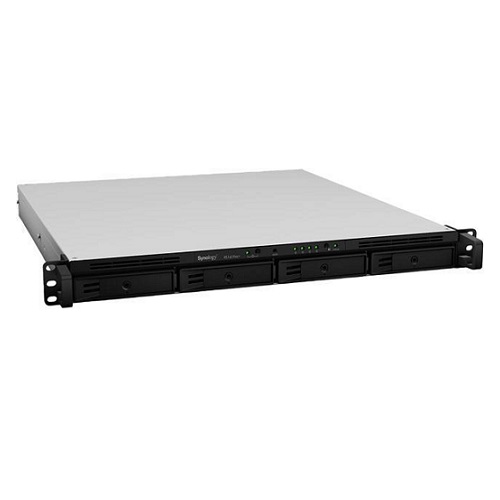
Brand: Synology
AED 2,005.00 excl. VAT
AED 2,005.00 excl. VAT
For urgent delivery, please contact sales before ordering. Orders usually ship as per the estimated delivery date in certain case backorders may take 4–12 weeks. Images are for illustration only and may differ from the actual item.
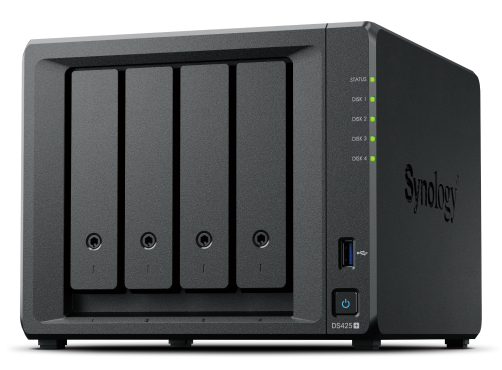
A compact storage hub with 100% data ownership
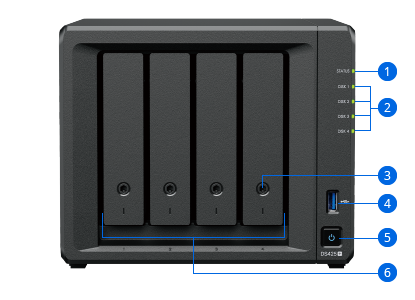
1. Status indicator
2. Drive status indicators
3. Drive tray lock
4. USB 3.2 Gen 1 port
5. Power button and indicator
6. Drive trays
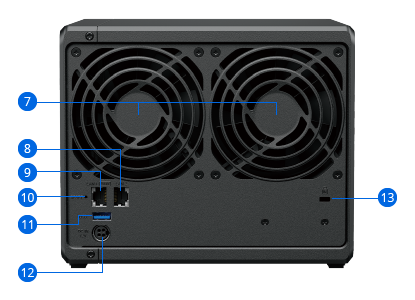
7. Fans
8. 1GbE RJ-45 port
9. 2.5GbE RJ-45 port
10. Reset button
11. USB 3.2 Gen 1 port
12. Power port
13. Kensington security slot
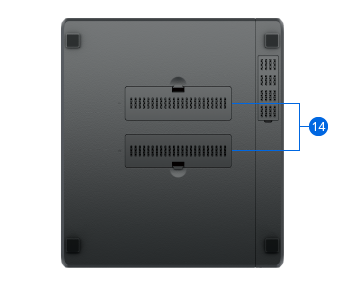
14. M.2 NVMe SSD slots


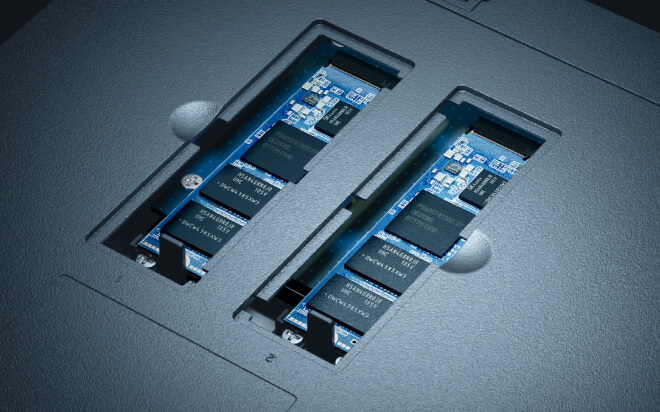
The DS425+ features built-in 2.5GbE networking and supports both SATA SSDs and HDDs in 2.5″/3.5″ internal bays, as well as M.2 NVMe drives via M.2 slots for use cache.2,6

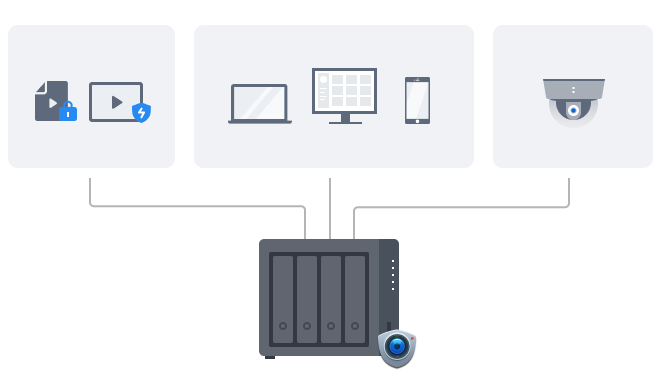
Manage all your documents, photos, and other files, back up applications and devices, and protect your assets with professional video surveillance.
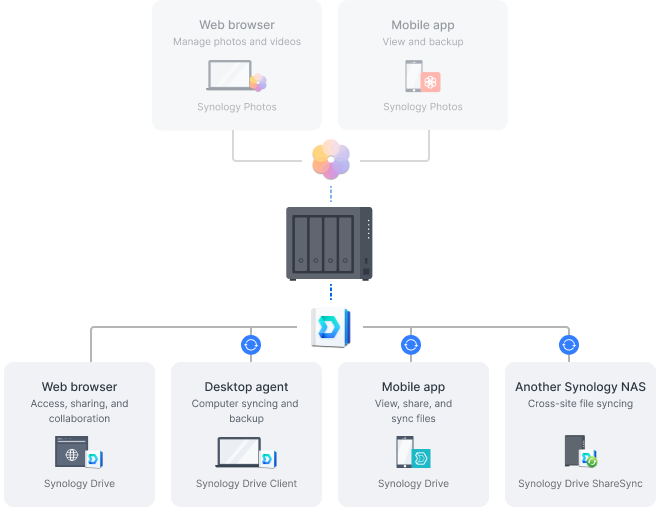
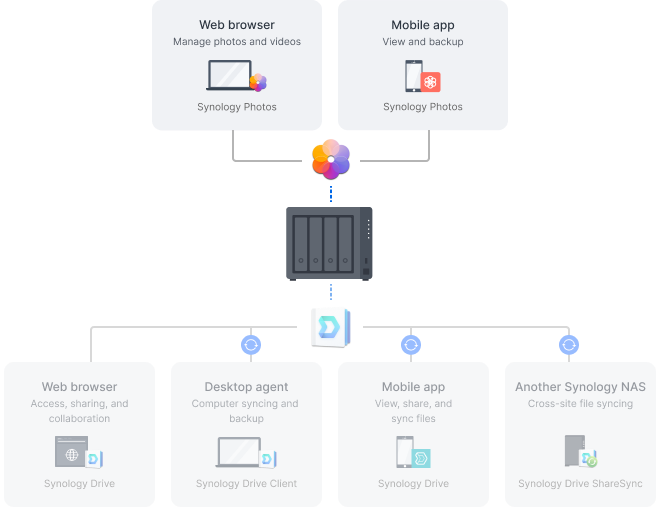

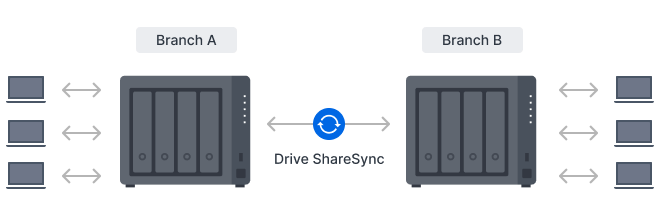
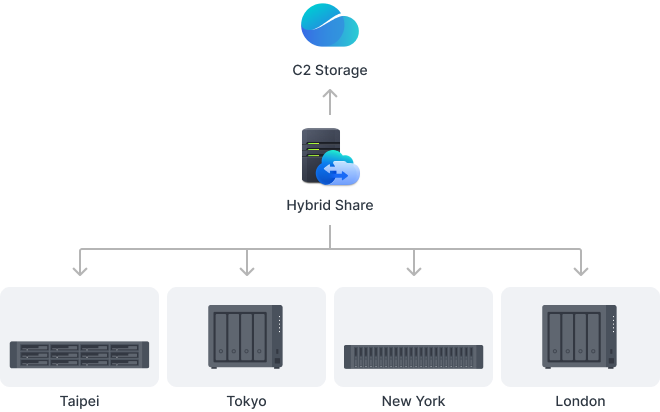
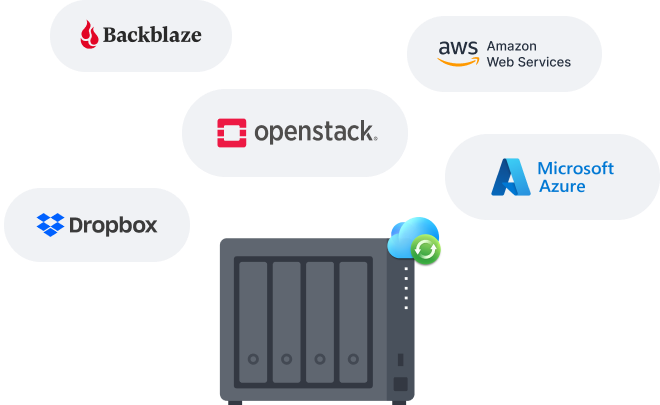

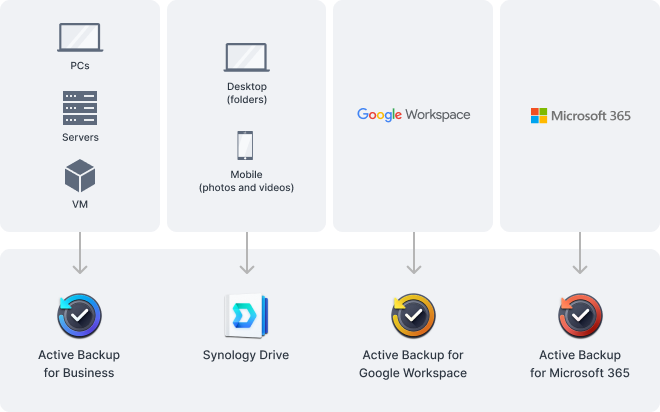
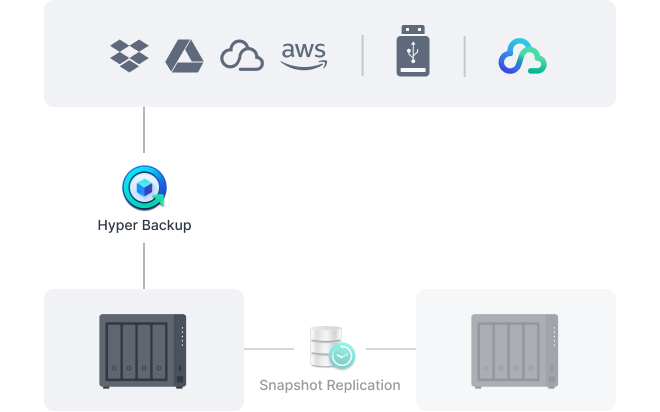
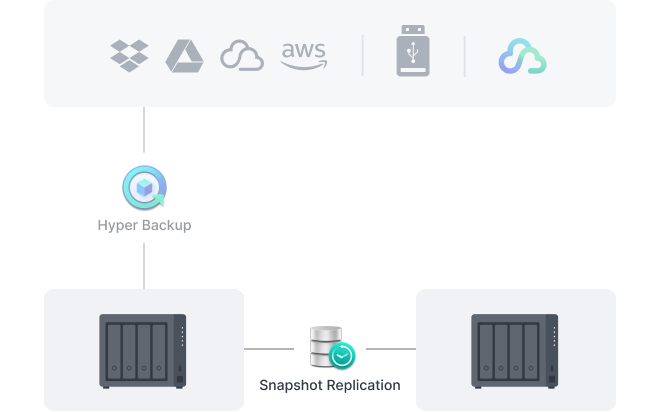

Monitor and manage your Synology fleet from a central interface, on-prem or in the cloud.


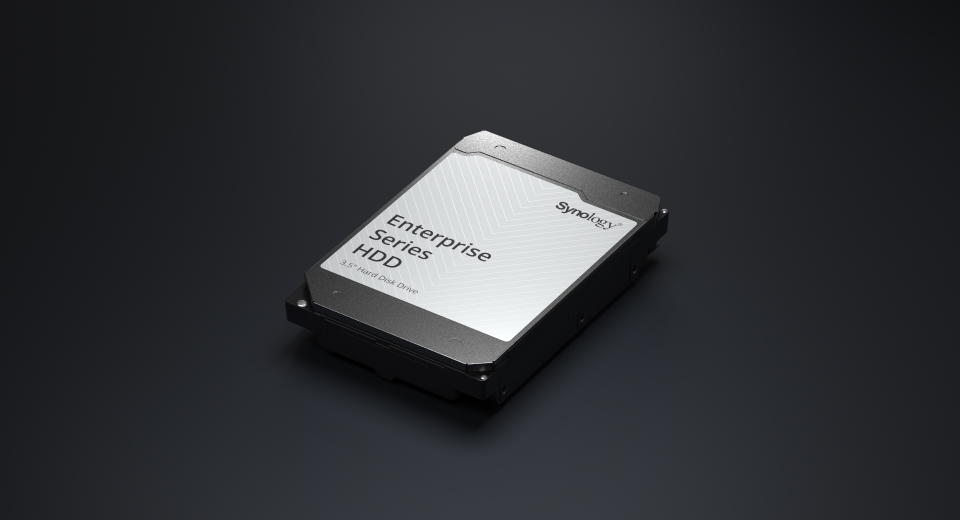
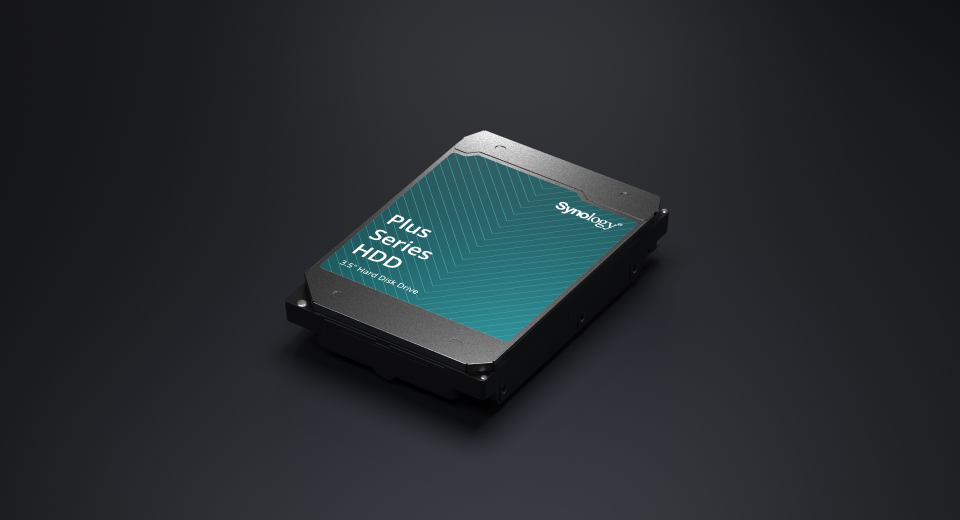
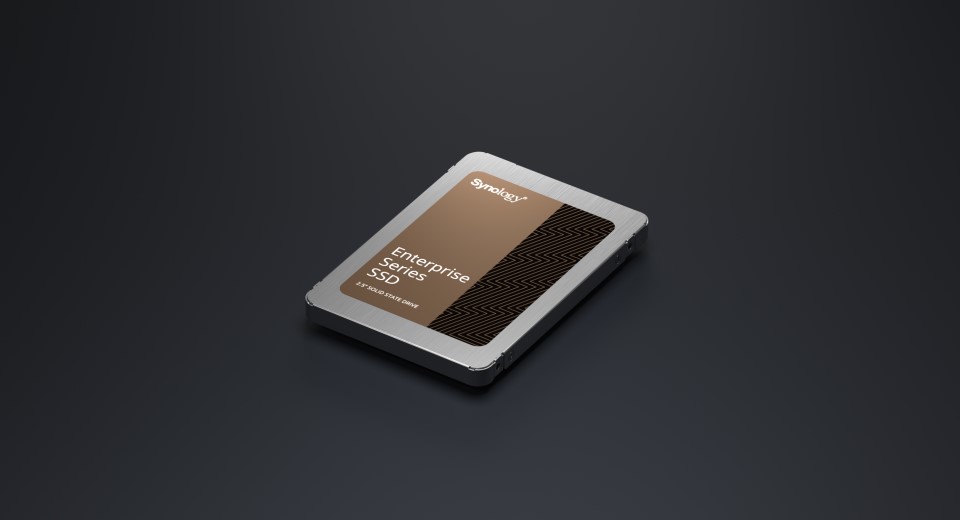
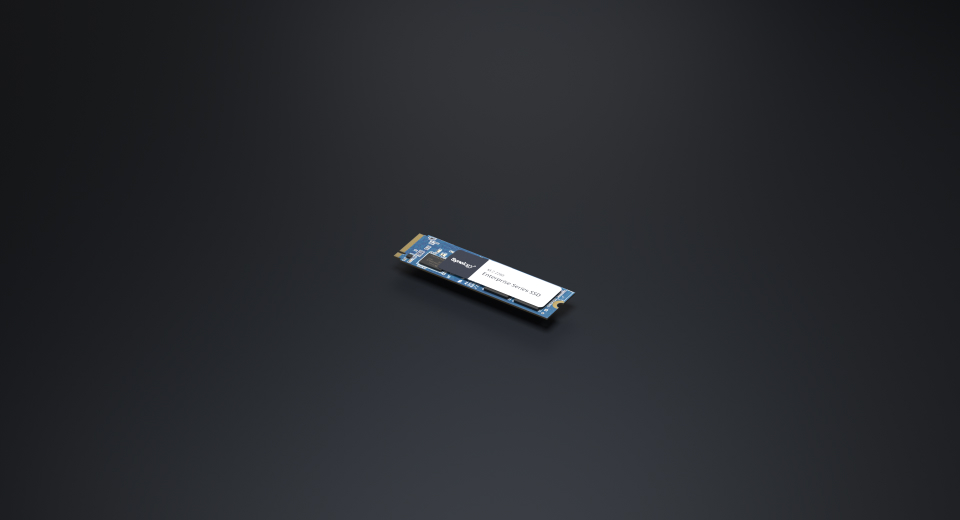
Designed for Synology systems, Synology drives deliver consistent performance and unmatched reliability for your deployments.2
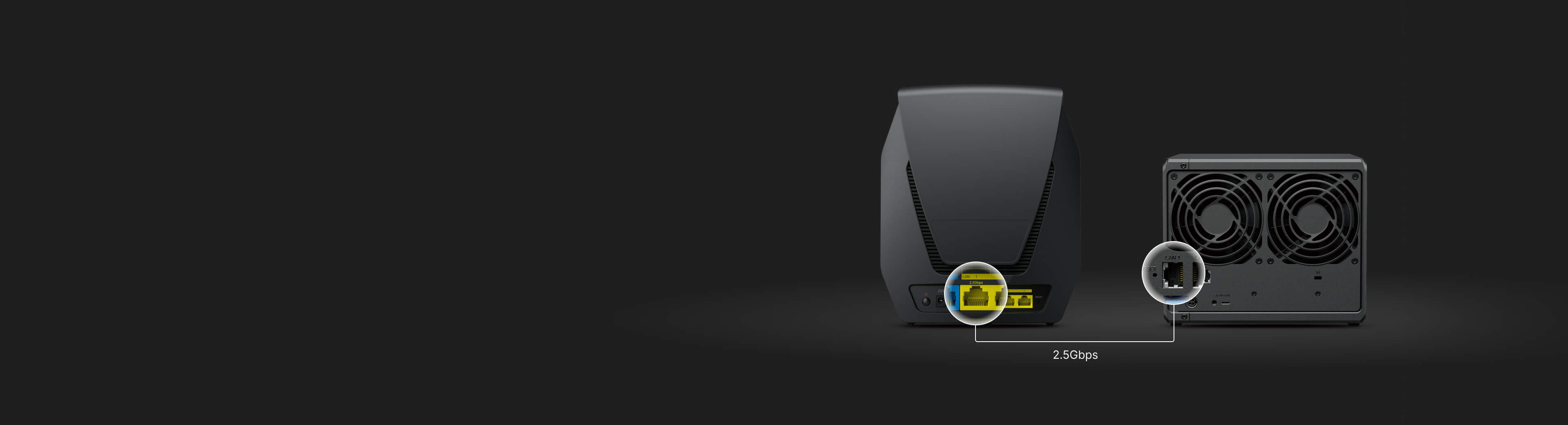
Pair your NAS with Synology RT6600ax or WRX560 to maximize 2.5GbE connectivity. Enjoy high-speed transfers and secure your network with VLANs, threat prevention, and web filtering — all through a familiar Synology interface. Learn more
|
CPU |
CPU Model | Intel Celeron J4125 |
|---|---|---|
| CPU Quantity | 1 | |
| CPU Core | 4 | |
| CPU Architecture | 64-bit | |
| CPU Frequency | 2.0 (base) / 2.7 (turbo) GHz | |
| Hardware Encryption Engine | ||
|
Memory |
System Memory | 2 GB DDR4 non-ECC |
| Total Memory Slots | 1 | |
| Maximum Memory Capacity | 6 GB (2 GB + 4 GB) | |
| Notes |
|
|
|
Storage |
Drive Bays | 4 |
| M.2 Drive Slots | 2 (NVMe) | |
| Drive Type (See all supported drives) |
|
|
| Hot Swappable Drive* | ||
| Notes |
|
|
|
External Ports |
RJ-45 1GbE LAN Port | 1 |
| RJ-45 2.5GbE LAN Port | 1 | |
| USB 3.2 Gen 1 Port | 2 | |
| Notes | This device's 1GbE LAN ports have a maximum transmission unit (MTU) size of 1,500 bytes. | |
|
Appearance |
Size (Height x Width x Depth) | 166 mm x 199 mm x 223 mm |
| Weight | 2.18 kg | |
|
Others |
System Fan | 92 mm x 92 mm x 2 pcs |
| Fan Speed Mode |
|
|
| Brightness Adjustable Front LED Indicators | ||
| Power Recovery | ||
| Noise Level* | 21.6 dB(A) | |
| Scheduled Power On / Off | ||
| Wake on LAN / WAN | ||
| Power Supply Unit / Adapter | 90 watts | |
| AC Input Power Voltage | 100V to 240V AC | |
| Power Frequency | 50/60 Hz, Single Phase | |
| Power Consumption | 28.25 watts (Access) 6.10 watts (HDD Hibernation) | |
| British Thermal Unit | 96.33 BTU/hr (Access) 20.79 BTU/hr (HDD Hibernation) | |
| Notes |
|
|
|
Temperature |
Operating Temperature | 0°C to 40°C (32°F to 104°F) |
| Storage Temperature | -20°C to 60°C (-5°F to 140°F) | |
| Operating Humidity | 8% to 80% RH | |
| Storage Humidity | 5% to 95% RH | |
|
Certification |
|
|
|
Warranty |
3-year hardware warranty, extendable to 5 years with EW201 or Extended Warranty Plus | |
| Notes |
|
|
|
Environment |
RoHS Compliant | |
|
Packaging Content |
|
|
|
Optional Accessories |
|
|
| Maximum Single Volume Size | 108 TB | |
| Maximum Internal Volume Number | 32 | |
| M.2 SSD Storage Pool Support* | ||
| SSD Read/Write Cache (Determining cache size) | ||
| SSD TRIM | ||
| Supported RAID Type |
|
|
| RAID Migration |
|
|
| Volume Expansion with Larger HDDs |
|
|
| Volume Expansion by Adding a HDD |
|
|
| Global Hot Spare Supported RAID Type |
|
|
| Notes |
|
|
| Internal Drives |
|
|
| External Drives |
|
|
| File Protocol |
|
|
| Maximum Number of SMB Connections (FSCT-Based) | 10 | |
| Windows Access Control List (ACL) Integration | ||
| NFS Kerberos Authentication | ||
| Notes |
|
|
| Maximum Local User Accounts | 512 | |
| Maximum Local Groups | 128 | |
| Maximum Shared Folder | 128 | |
| Maximum Shared Folder Sync Tasks | 4 | |
| Maximum Hybrid Share Folders | 10 | |
| Folder and Package Backup | ||
| Entire System Backup | ||
| Synology High Availability | ||
| Syslog Events per Second | 800 | |
|
Virtualization |
VMware vSphere | ESXi 8.0 U2, ESXi 8.0 U1, ESXi 8.0, ESXi 7.0 U3, ESXi 7.0 U2, ESXi 7.0 U1, ESXi 7.0, ESXi 6.7 U3, ESXi 6.7 U2, ESXi 6.7 U1, ESXi 6.7, ESXi 6.5 U3, ESXi 6.5 U2, ESXi 6.5 U1, ESXi 6.5 |
| Microsoft Hyper-V | Windows Server 2022 | |
| Citrix XenServer | XenServer 8, Citrix Hypervisor 8.2 LTSR CU1 | |
| OpenStack | Cinder | |
| Supported Protocols | SMB1 (CIFS), SMB2, SMB3, NFSv3, NFSv4, NFSv4.1, NFS Kerberized sessions, iSCSI, HTTP, HTTPs, FTP, SNMP, LDAP, CalDAV | |
| Supported Browsers |
|
|
| Supported Language | English, Deutsch, Français, Italiano, Español, Dansk, Norsk, Svenska, Nederlands, Русский, Polski, Magyar, Português do Brasil, Português Europeu, Türkçe, Český, ภาษาไทย, 日本語, 한국어, 繁體中文, 简体中文 | |
| Notes | For an updated list of supported browser versions, check the DSM Technical Specifications. | |
|
Add-on Packages view the complete package list |
||
|
Synology AI Console |
Third-Party AI Model Integration | |
| Maximum Number of Users | 100 | |
| Notes |
|
|
|
Download Station |
Maximum Concurrent Download Tasks | 80 |
| Maximum iSCSI Target Number | 2 | |
| Maximum LUN | 4 | |
| LUN Clone/Snapshot, Windows ODX | ||
| Free Email Accounts | 5 (Additional accounts require purchase of licenses) | |
| Maximum Number of Users | 20 | |
| Notes |
|
|
| DLNA Compliance | ||
| Facial Recognition | ||
| Object Recognition | ||
| Notes | Object recognition requires an upgrade of memory capacity to a minimum of 4 GB. | |
| Maximum Snapshots per Shared Folder | 128 | |
| Maximum Snapshots per LUN | 32 | |
| Maximum Snapshots per System | 1,024 | |
| Maximum Replication Tasks for Shared Folders | 16 | |
| Maximum Replication Tasks for LUNs | 8 | |
| Maximum Replication Tasks per System | 16 | |
| Default Licenses | 2 (Additional cameras require purchase of licenses) | |
| Maximum IP Cameras and Total FPS (H.264) |
|
|
| Maximum IP Cameras and Total FPS (H.265) |
|
|
| Notes |
|
|
| Maximum Number of Users | 20 | |
| Maximum Number of Hosted Files | 500,000 (applies to files indexed or hosted by Synology Drive. For file access through other standard protocols, refer to the File Services section above) | |
| Notes |
|
|
| Maximum Number of Users | 20 | |
| Notes |
|
|
| Recommended Virtual Machine Instances | 2 (Learn more) | |
| Recommended Virtual DSM Number (Licenses required) | 2 (including 1 Free License) | |
| Notes | The specifications vary depending on system configuration and memory size. | |
| Maximum Connections | 4 | |












Reviews
There are no reviews yet.